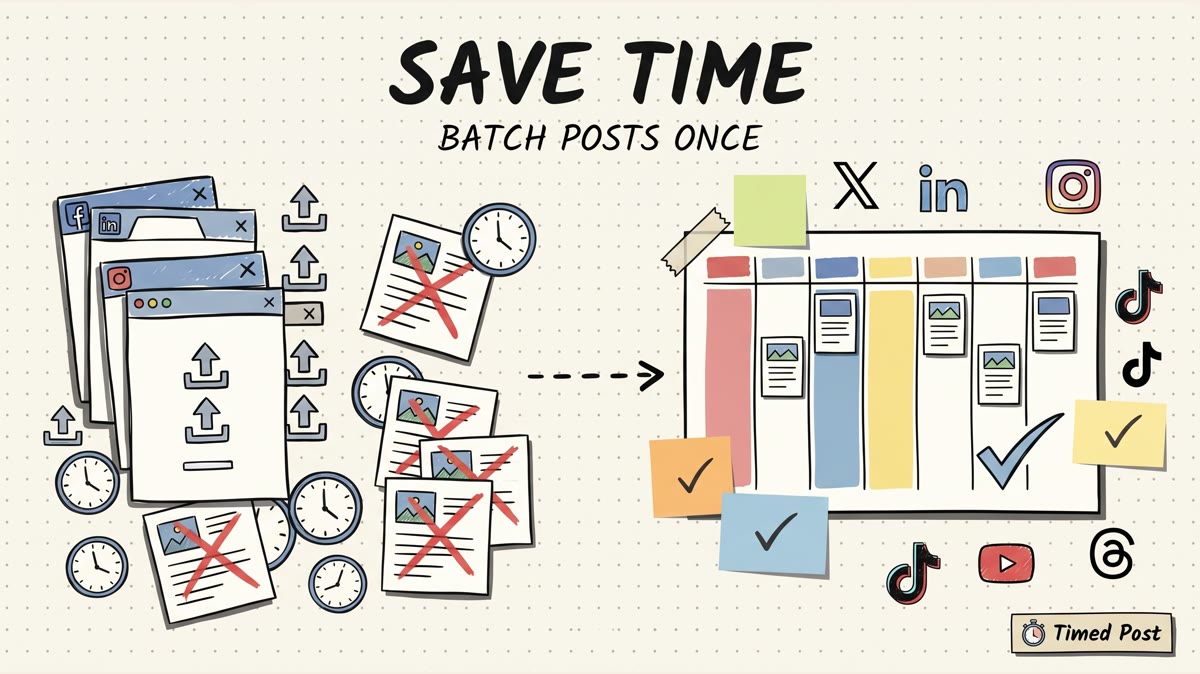
Quick answer: if you want to schedule posts across connected accounts without maintaining every native platform integration, use a scheduler API like Timed Post, Ayrshare, Buffer, or Postiz. If you need deep platform control, use native APIs from Meta, TikTok, YouTube, LinkedIn, X, and Pinterest. The hard part is not one POST request. It is auth, media rules, account mapping, duplicate retries, webhooks, and proving what actually published.
This is where most "best API" lists get lazy. They compare logos, then skip the part that breaks your product at 2am: expired OAuth, platform-specific media rules, status ambiguity, and retries that publish twice.
If you are building an internal tool, AI agent, client dashboard, or content pipeline, judge social media APIs by operations, not by vibes.
what to check before choosing a social media API
Before you pick an API, answer these questions:
- Can it post now and schedule for later?
- Does it support the platforms you actually need?
- Does it separate connected accounts cleanly with account IDs or profile keys?
- Can you attach stable media URLs or uploads?
- Does it return per-platform status, not only a generic "success"?
- Can you use idempotency keys so failed retries do not create duplicates?
- Does it have webhooks for published, failed, cancelled, or partial states?
- Are rate limits and test/draft workflows clear enough for your workload?
Timed Post's own API docs are a good example of the minimum surface I like to see: POST /v1/posts, GET /v1/posts, GET /v1/accounts, GET /v1/platforms, webhook signatures, default rate limits at 100 requests per hour per key, and idempotency keys on POST requests from agents. That is not every social feature on earth, but it is the right shape for safe scheduling automation.
comparison table
| API | Best fit | Useful surface | Watch-out |
|---|---|---|---|
| Timed Post API | Builders who need simple scheduling across connected accounts | Posts, accounts, platforms, webhooks, idempotency, test/live keys | Not for deep native platform features like advanced listening or every ad format |
| Ayrshare | API-first products and platforms | Post API, profiles, media, auto hashtags, scheduling, approval workflow, idempotent posts | More API platform than lightweight scheduler |
| Buffer API | Agents and automations tied to Buffer | Posts, scheduling, media, metrics, agent-friendly docs | Best if Buffer is already the publishing layer |
| Postiz Public API | Open-source or self-hosted social scheduling setups | Public API, posts, integrations, analytics, uploads, provider settings | You may own more setup and hosting work |
| Meta Graph API | Facebook/Instagram platform control | Graph API objects, pages, media, permissions | Review, scopes, and product-specific APIs add complexity |
| TikTok Content Posting API | TikTok direct posting | Direct post, upload flow, creator info, post status | Media rules and review/processing matter |
| YouTube Data API | YouTube video uploads | videos.insert, upload scopes, video resources | Upload quota and media handling are their own system |
| LinkedIn Posts API | LinkedIn organic/sponsored posts | Create, retrieve, update, delete posts; member/org permissions | Some permissions are restricted or role-dependent |
| X API v2 manage posts | X posting, replies, quotes, deletes | Create/delete posts, replies, quotes, media path | Pricing/access level and app permissions matter |
| Pinterest API v5 | Pin creation and boards | Pin creation, boards, business/account flows | Built around Pinterest's content rules and fresh-content expectations |
the 10 best social media APIs for developers
1. Timed Post API
Timed Post API is the best fit when you want to create, schedule, and manage posts across connected social accounts without rebuilding each platform integration yourself.
The useful endpoints are straightforward: create posts, list posts, check status, cancel scheduled posts, list connected accounts, list supported platforms, and receive webhooks. The docs also mention HMAC-SHA256 webhook signatures and idempotency keys on POST requests from agents.
That last part matters. If your automation posts every morning and the network fails mid-request, you do not want a blind retry to publish the same content twice. You want the same idempotency key to return the original job or reject a changed body.
Use Timed Post when the job is scheduling and publishing across X, Instagram, LinkedIn, Facebook, TikTok, YouTube, Threads, and Pinterest from one workflow. If your product needs a deeper native feature, like a custom Instagram analytics product or a LinkedIn ads workflow, go native.
Good internal fit: pair the API with a multi-platform posting checklist so every generated post still gets reviewed before it hits client accounts.
2. Ayrshare
Ayrshare is built as a unified social media API, not just a scheduler with an API bolted on. Its Post API docs cover approval workflow, auto hashtags, reposting, first comments, idempotent posts, image and video requirements, scheduling, profiles, and webhooks.
That makes it strong for SaaS products that need to expose social publishing inside their own app. If your product is itself a platform and social posting is a core feature, Ayrshare belongs high on the shortlist.
The tradeoff is scope. You are buying an API platform. If all you need is "schedule this approved post to these connected accounts," a simpler scheduler API may be enough.
3. Buffer API
Buffer's developer docs are unusually clear about agents and automations. The public API page says developers can connect Buffer to agents and automation tools, then points to posts, scheduling, media, metrics, rate limits, pagination, examples, and a GraphQL-oriented API.
Buffer is a good choice when your users already use Buffer, or when you want to build an automation around Buffer as the publishing layer. It is less ideal if you need to own the whole workflow inside a different scheduler or client workspace system.
4. Postiz Public API
Postiz is interesting for teams that want an open-source or self-hosted social media scheduling layer. Its public docs describe an API across integrations, posts, analytics, notifications, uploads, video generation, and provider settings. The docs also show "Supported Platforms (32 total)" and provider settings for 25 platforms, while the GitHub repo shows the open-source project surface.
Use it if you want more control over the stack and are comfortable owning more of the setup. That ownership is the point. It can also become the cost.
5. Meta Graph API
Meta Graph API is the base layer for reading and writing data across Facebook's social graph and related products. The public docs currently show Graph API version v26.0 and route developers through objects, fields, permissions, batch requests, errors, and related products.
Native integrations come with app review, permissions, media containers, product-specific rules, and more edge cases than a normal scheduler buyer wants to own.
6. TikTok Content Posting API
TikTok's Content Posting API has a Direct Post flow with posting initialization, media transfer, creator info, and post status. That status piece matters because short-video publishing is not always instant. Uploading media and seeing a published post are different states.
Use TikTok's API directly if TikTok is the product, not just one destination in a cross-platform scheduler. If TikTok is one of eight destinations, a wrapper or scheduler API usually keeps the rest of the system saner.
7. YouTube Data API
YouTube's videos.insert endpoint is the upload path for videos. The official page covers the upload request, authorization scopes such as youtube.upload, response shape, examples, and errors. The page checked during this run also showed large upload constraints and a separate upload quota note.
YouTube is worth going native when video upload behavior, metadata, categories, thumbnails, privacy, and channel rules are central to your product. If the video is simply one scheduled asset in a broader social calendar, use a scheduler that already handles the upload path and status checks.
8. LinkedIn Posts API
LinkedIn's Posts API covers creating and retrieving organic and sponsored posts, with author roles and permissions such as organization roles and member-level permissions. The docs also show create, get, update, delete, mentions, hashtags, and comment settings.
The watch-out is access. LinkedIn permissions and organization roles can block a workflow that looks simple on paper. If you are building for client accounts, design around authorization before you design the editor UI.
9. X API v2 manage posts
X's manage posts docs cover creating and deleting posts, replies, quotes, and related endpoints such as POST /2/tweets. It is the right API when your product needs real X-native behavior: threads, replies, quotes, deletes, media upload, or account-specific workflows.
For a simple publishing pipeline, the hard part is not the POST request. It is character limits, media processing, access tier, community/quote behavior, and verifying the final post URL or ID after publish.
10. Pinterest API v5
Pinterest API v5 includes Pin and board operations, including creating Pins. It is useful when Pinterest is a first-class part of the product, especially for ecommerce, creators, and visual content workflows.
Pinterest also has a different content model than X or LinkedIn. A Pin is not just a caption. It has board context, image/video requirements, destination links, and content freshness expectations. Treat it as its own platform, not another generic text post.
build vs buy
Use native APIs when:
- the platform itself is the product
- you need features a scheduler API cannot expose
- you can maintain app review, OAuth, permissions, token refresh, media processing, and platform changes
Use a scheduler or unified API when:
- you mostly need create, schedule, publish, cancel, and status
- users already connect accounts in a dashboard
- you need one workflow across multiple platforms
- your team is small and platform maintenance would eat product time
For most builders, this is the honest answer: start with a wrapper or scheduler API until native control is a competitive advantage. Otherwise you are just volunteering to maintain eight integrations before you know whether users care.
Schedule your posts across every platform
Draft once, publish everywhere — automatically.
No credit card · Cancel anytime
a safer posting workflow for agents and automations
If you are connecting an AI agent or internal automation to a social scheduler, do not let it fire posts blindly.
A safer pattern:
- Create a draft or scheduled post from approved content.
- Send exact platform/account IDs, not only platform names.
- Include an idempotency key.
- Store the returned post ID.
- Poll status or wait for a webhook.
- Treat
partialas a real state. - Retry only after checking whether the platform already published.
- Log the platform URL or post ID when available.
That workflow prevents the classic automation mistake: a request fails, the platform actually published, and the retry creates a duplicate post. Timed Post's API shape was built with that pattern in mind: posts, accounts, platforms, lifecycle states, idempotency, and webhook signatures.
If you are still manually copying generated posts between apps, read how to stop copy-pasting social media posts first.
common implementation questions before you choose an API
do I need webhooks?
Yes, if publishing status matters. Polling works for prototypes, but webhooks let your system react when a scheduled post publishes, fails, or partially publishes.
should I store platform account IDs?
Yes. Store the scheduler's account IDs or profile keys and show them clearly in your admin UI. Do not let an automation guess which LinkedIn page or X account to use.
should an AI agent be allowed to publish directly?
Usually no. Start with draft-only or schedule-only mode, then require human approval for live publishing. If you allow direct publish, use idempotency keys, exact account IDs, status checks, and audit logs.
what breaks first when you go native?
Auth. After that, media rules. After that, status ambiguity. A post request returning success does not always mean the public post is live on every platform.
final recommendation
If you are building a social scheduling workflow, do not start by wiring eight native APIs together just to prove you can.
Start with the narrowest reliable system: connected accounts, stable media URLs, exact account IDs, idempotency, status, and webhooks. Timed Post gives builders that layer for multi-platform scheduling.
Build the product users notice. Let the API absorb the platform mess until native control is worth the maintenance tax.