Pallyy Alternative for Creators and Small Teams
Pallyy is a strong visual scheduler with social inbox, approvals, and social-set pricing. Timed Post is built for creators and teams who want a simpler multi-platform calendar with predictable account bundles.



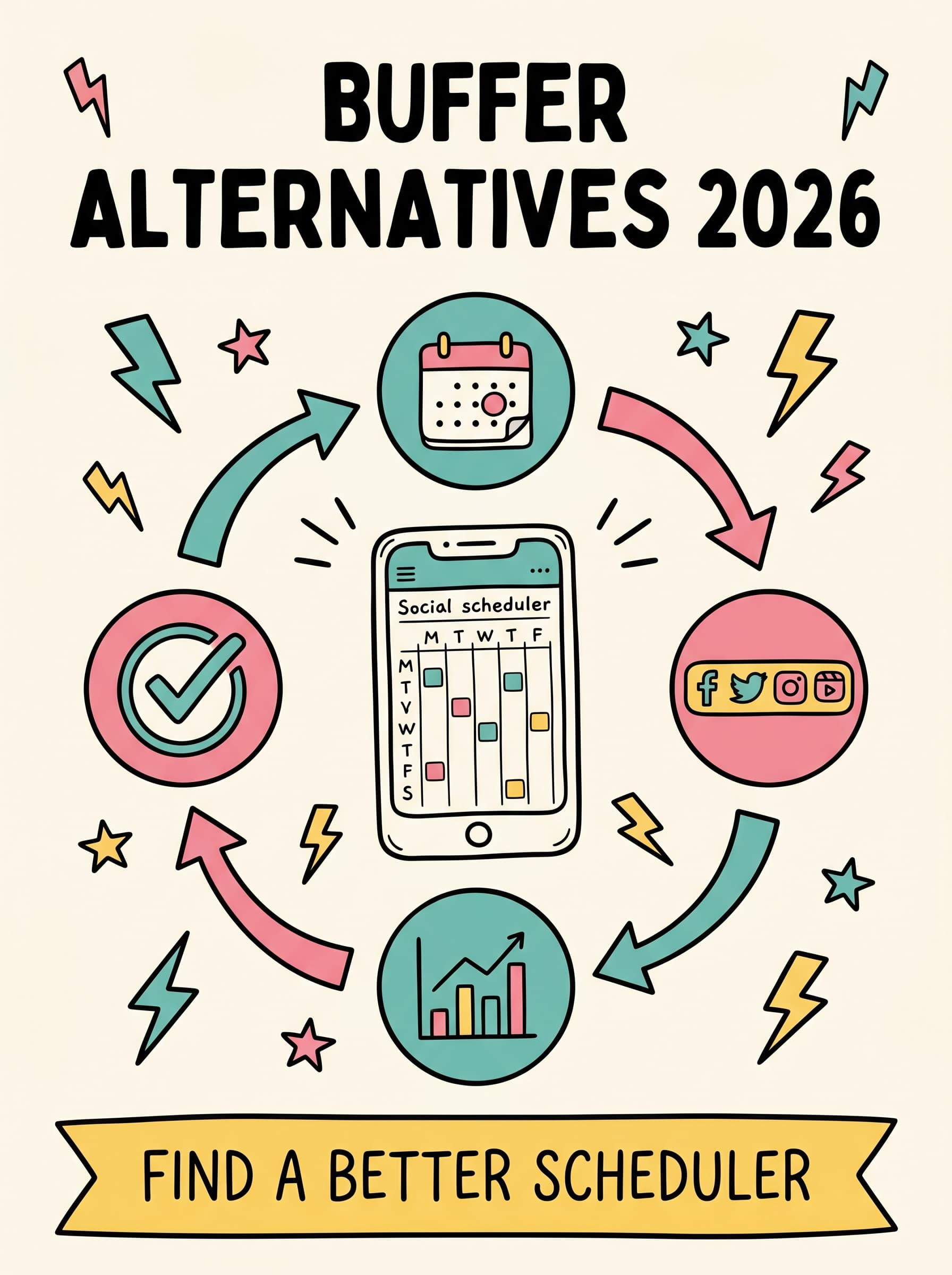
Choose Pallyy for social-set workflows. Choose Timed Post for simple multi-account scheduling.
Choose Pallyy when you want a free starter plan, inbox workflows, approvals, or Google Business Profile support. Choose Timed Post when you want to publish across core platforms with flat bundles and clean workspaces.
Choose Pallyy if:
- you need a free plan with light scheduling
- you want social inbox and approval workflows
- you need Google Business Profile support
- you prefer Social Sets for one brand per bundle
Choose Timed Post if:
- you want predictable account bundles
- you manage several social accounts across core channels
- you batch content in a visual calendar
- you want workspaces for brands, clients, or projects
Pallyy vs Timed Post: side-by-side comparison
Compare social sets, platform coverage, account bundles, analytics, inbox, approvals, and workspace fit.
| Category | Pallyy | Timed Post |
|---|---|---|
| Free plan | 1 Social Set, 15 scheduled posts/month | 7-day trial |
| Paid pricing model | $25/mo Pay As You Go plus extras | Flat account bundles |
| Unlimited plan | $199/mo | Premium account/workspace plan |
| Social organization | Social Sets | Workspaces |
| Platform coverage | Includes Google Business Profile | X, Instagram, LinkedIn, Facebook, TikTok, YouTube, Threads, and Pinterest |
| Social inbox | Yes | No |
| Approvals | Yes | Premium/workspace workflow |
| Best for | Visual creators who need inbox and approvals | Creators and teams wanting simpler scheduling |
When social-set pricing starts to shape the workflow
A Social Set may be too rigid
If a brand needs multiple Instagram, TikTok, or LinkedIn accounts, one-account-per-platform grouping can become awkward.
Add-ons change the real price
Extra Social Sets and users can increase the monthly bill. Timed Post keeps the core scheduler in clear account bundles.
Light free plans do not cover serious calendars
A small post allowance is useful for testing, but active creators often outgrow it quickly.
Workspaces are clearer for brands and clients
Timed Post uses workspaces to keep brand calendars and teams organized around the way content is actually managed.
Honest tradeoffs between Pallyy and Timed Post
Pallyy
Pros
- Free plan for light scheduling
- Pay As You Go plan includes unlimited scheduled posts
- Social inbox and approval workflows
- Google Business Profile support
- Unlimited plan for social sets and users
Cons
- Extra Social Sets and users add monthly cost on Pay As You Go
- Free plan is limited to 15 scheduled posts per month
- Social Sets may not fit teams with multiple accounts on the same platform
Timed Post
Pros
- Flat account bundles instead of per-channel or social-set billing
- 8 core platforms: X, Instagram, LinkedIn, Facebook, TikTok, YouTube, Threads, and Pinterest
- Bulk scheduling and calendar workflow for batching content
- Workspaces for brands, clients, and teams
- Modern UI built around multi-platform publishing
Cons
- No free forever plan
- No unified social inbox
- No Google Business Profile support
Which tool fits your situation?
Creator testing a scheduler for free
Pallyy's free plan is useful when you only need a small monthly schedule.
Creator scheduling across several accounts
Flat bundles make more sense when the account count grows beyond a simple Social Set.
Team needing inbox and approvals
Pallyy includes social inbox and approval workflows on paid plans.
Agency organizing brands in workspaces
Timed Post workspaces are built for separate brands, clients, and repeatable calendars.
Local business using Google Business Profile
Pallyy supports Google Business Profile, while Timed Post focuses on core social networks.
How to switch from Pallyy to Timed Post
Audit your Pallyy accounts and posting schedule.
List every connected profile, note posting frequency, and decide which calendars or brands need their own workspace.
Create Timed Post workspace(s).
Set up one workspace for a single brand, or separate workspaces for clients, brands, or projects.
Connect your social accounts.
Link the platforms you publish on across X, Instagram, LinkedIn, Facebook, TikTok, YouTube, Threads, and Pinterest.
Rebuild your weekly calendar and batch schedule posts.
Move your core posting rhythm into Timed Post and use batching to schedule content ahead of time.
Frequently asked questions
Ready to simplify multi-platform scheduling?
Start with a 7-day trial and build one calendar for every platform you publish on.