Meta Description: Post to 8 platforms without repetitive uploading. Learn platform-specific customization, bulk workflows, and how schedulers eliminate copy-paste hell.
The Problem: Copy-Paste Hell Is Killing Your Productivity
If you're managing social media in 2026, you already know the drill.
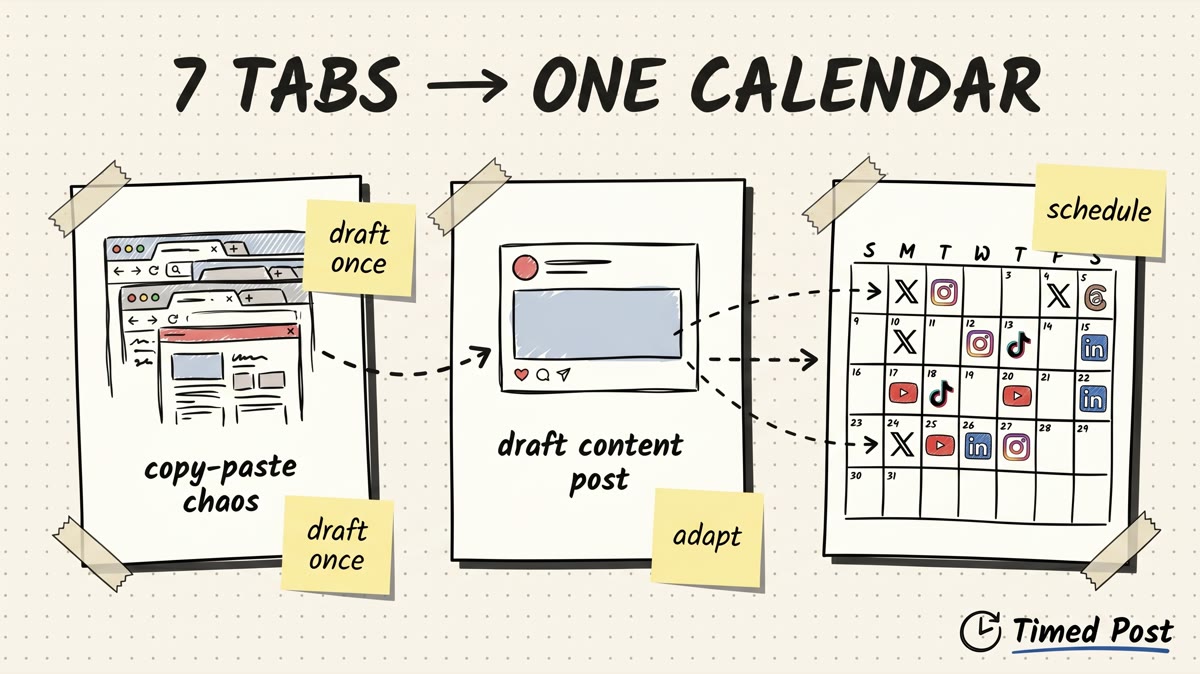
You create one piece of content. Maybe it's a product announcement, a blog post share, or a behind-the-scenes video. Then you open Instagram. Copy the caption. Upload the image. Add hashtags. Post. Open TikTok. Repeat. Open LinkedIn. Repeat. Open X. Repeat.
By the time you've posted to 9 platforms, 45 minutes have evaporated. And if you manage multiple brands or clients? Multiply that time by 5, 10, or 20 accounts.
This is copy-paste hell. Manual uploading to every platform individually burns time, creates errors (wrong captions on the wrong platform, missed posts, formatting disasters), and makes consistent posting nearly impossible.
The real cost: Those 45 minutes per post, five days a week, add up to 187.5 hours per year. That's nearly five 40-hour work weeks spent uploading the same content over and over.
There has to be a better way. Spoiler: there is.
Why "Just Copy-Paste Everywhere" Doesn't Work
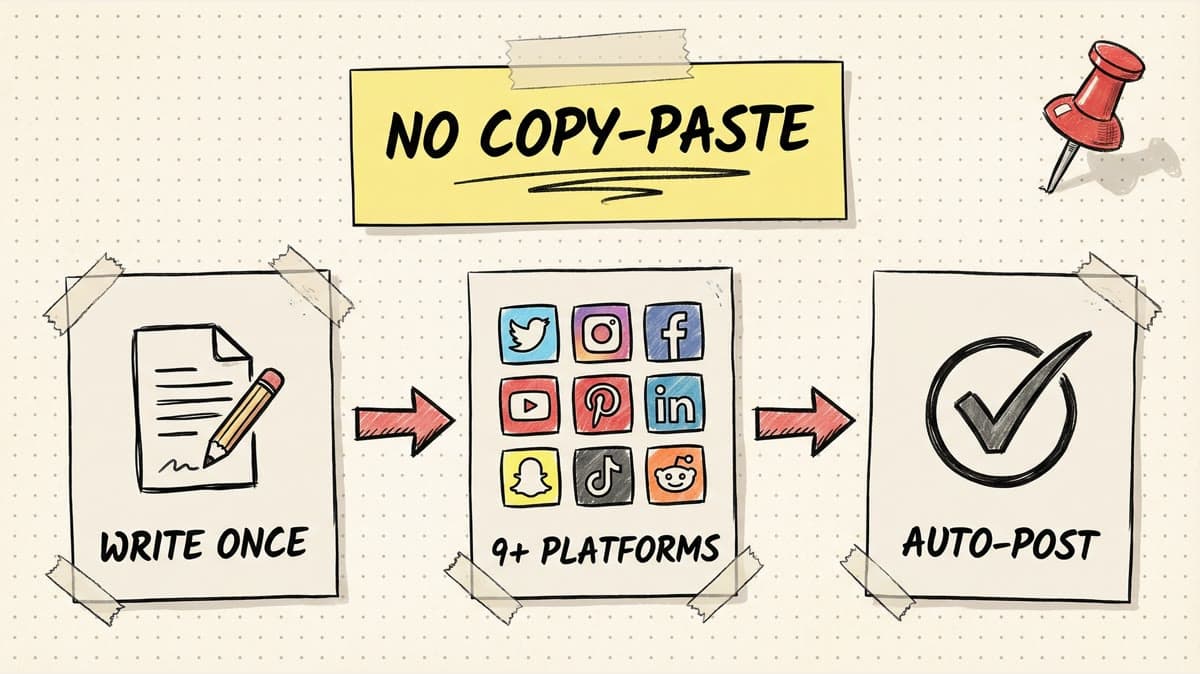
The lazy solution is to write one caption and paste it everywhere. Same image, same text, same hashtags across Instagram, LinkedIn, TikTok, Pinterest, X, Threads, YouTube, and Facebook.
Here's why that tanks your engagement:
1. Each Platform Has Different Norms
LinkedIn users expect professional insights and longer-form storytelling. TikTok users want punchy, fast-paced hooks. X rewards snark and hot takes. Instagram loves emojis and visual storytelling. Pinterest needs SEO-friendly descriptions.
When you copy-paste the same caption everywhere, you're speaking the wrong language on every platform except one.
2. Formatting Breaks Across Platforms
Instagram supports line breaks with invisible characters. LinkedIn auto-shortens captions with a "See more" button after three lines. X cuts you off at 280 characters. TikTok allows 2,200 characters but most users skim the first sentence.
A caption that looks perfect on Instagram becomes a wall of text on LinkedIn or gets truncated mid-sentence on X.
3. Hashtags Work Differently Everywhere
Instagram rewards 5-10 niche hashtags. LinkedIn hashtags are mostly useless (engagement comes from tagging people and writing long-form posts). TikTok hashtags help with discovery but only if they're trending. X hashtags are optional and mostly visual clutter.
Using the same hashtag strategy across all platforms means you're optimizing for one and ignoring the rest.
4. Image and Video Specs Vary
Instagram prefers 1:1 or 4:5 vertical images. Pinterest wants 2:3 vertical pins. LinkedIn performs best with 1200x627px horizontal images. TikTok requires 9:16 vertical video. YouTube Shorts need vertical video but with different text-safe zones than TikTok.
If you upload the same asset everywhere, at least three platforms will crop it poorly or display it at low resolution.
Bottom line: Copy-paste might save you 10 minutes, but it costs you engagement, reach, and professionalism. You need platform-specific customization without manual repetition.
Solution 1: Manual Posting (The Slow Death)
Some people still post manually to every platform. They open each app individually, customize captions, tweak hashtags, adjust image formatting, and hit publish.
Pros:
- Full control over every detail
- No third-party tool costs
- You can respond to comments immediately after posting
Cons:
- Takes 45-60 minutes per post across 9 platforms
- High error rate (wrong captions, missed posts, broken links)
- Impossible to maintain consistency when managing multiple accounts
- No analytics in one place
- Can't schedule posts in advance (you're tied to your phone at posting time)
Verdict: This works if you post once a week to two platforms. If you're posting daily across 5+ platforms or managing client accounts, manual posting is a productivity black hole.
Solution 2: Legacy Schedulers (Expensive and Clunky)
Tools like Buffer, Hootsuite, and Later have been around for years. They solve the scheduling problem but introduce new headaches.
Buffer
- Pricing: $5/month per channel (so 10 platforms = $50/month minimum)
- Strengths: Clean interface, reliable auto-publishing, good analytics
- Weaknesses: Per-channel pricing gets expensive fast, limited AI features on lower tiers, no workspace isolation for managing multiple brands
Later
- Pricing: Estimated $25-50/month for Growth plan
- Strengths: Strong Instagram visual planner, link-in-bio tools, social listening on higher tiers
- Weaknesses: Caps posts per month (30-180/profile depending on plan), AI features are rationed via credits, "social sets" concept confusing for beginners
Hootsuite
- Pricing: $99/month for Professional plan (1 user, 10 accounts)
- Strengths: Enterprise-grade features, advanced social listening, team collaboration tools
- Weaknesses: Expensive, overwhelming UI for solo creators, features are overkill unless you're an agency
Verdict: Legacy schedulers work but they're built for agencies and enterprises. If you're a solo creator, small business, or solopreneur, you're paying for features you don't need and dealing with complexity that slows you down.
Schedule your posts across every platform
Draft once, publish everywhere — automatically.
No credit card · Cancel anytime
Solution 3: Timed Post (Multi-Platform Built for Builders)
Timed Post solves the multi-platform posting problem with three core features: bulk upload, platform-specific customization, and unlimited AI tools.
Here's the workflow:
Step 1: Upload Once
Drag and drop your content (image, video, or carousel) into Timed Post. Write your base caption once.
Step 2: Customize Per Platform
Click on each platform to adjust:
- Instagram: Add emojis, line breaks, 5-10 hashtags
- LinkedIn: Expand caption into a story or insight, tag people, remove hashtags
- X: Trim to 280 characters, add a thread if needed
- TikTok: Front-load the hook in the first sentence, add trending hashtags
- Pinterest: Write SEO-friendly description with keywords
- Threads: Keep it conversational, short, no hashtags
Timed Post's editor shows you exactly how each post will look before publishing.
Step 3: Schedule or Publish All at Once
Hit "Schedule All" and every platform publishes simultaneously (or at staggered times if you prefer). No manual uploading. No copy-paste. No missed posts.
Step 4: Track Performance
Analytics dashboard shows reach, engagement, and growth across all platforms in one view. You can see which platforms drive the most traffic and adjust your strategy accordingly.
Feature Comparison: Timed Post vs Buffer vs Later vs Hootsuite
| Feature | Timed Post Starter/Growth | Buffer Essentials | Later Growth | Hootsuite Pro |
|---|---|---|---|---|
| Price/Month | $19 Starter / $49 Growth | $50 (10 channels) | ~$30-40 (est.) | $99 |
| Accounts | 5 Starter / 15 Growth | 10 | 16 profiles (2 sets) | 10 |
| Post Limit | Unlimited | Unlimited | 180/profile/mo | Unlimited |
| AI Caption Generator | Unlimited (AI Studio) | Unlimited credits | 50 credits/mo | Limited |
| Platform-Specific Editor | ✅ Yes | ✅ Yes | ✅ Yes | ✅ Yes |
| Bulk Upload | ✅ Yes | ❌ No | ✅ Yes (Scale plan) | ✅ Yes |
| Workspace Isolation | ✅ Yes (Growth/Premium) | ❌ No | ✅ Yes (Growth+) | ✅ Yes |
| Approval Workflows | ✅ Yes (Premium) | ✅ Yes (Team plan) | ✅ Yes | ✅ Yes |
| Analytics | ✅ Cross-platform | ✅ Advanced | ✅ Up to 1 year | ✅ Advanced |
| Target Audience | Builders, creators | Everyone | Creators, agencies | Enterprise |
Price leadership: Timed Post starts at $19/month, and Growth is $49/month for 15 accounts, which keeps it competitive against per-channel tools and enterprise suites.
Simplicity: Account-based pricing (not per-channel nickel-and-diming), unlimited posts from day one, AI Studio included.
Real Workflow Example: Product Launch Across 9 Platforms
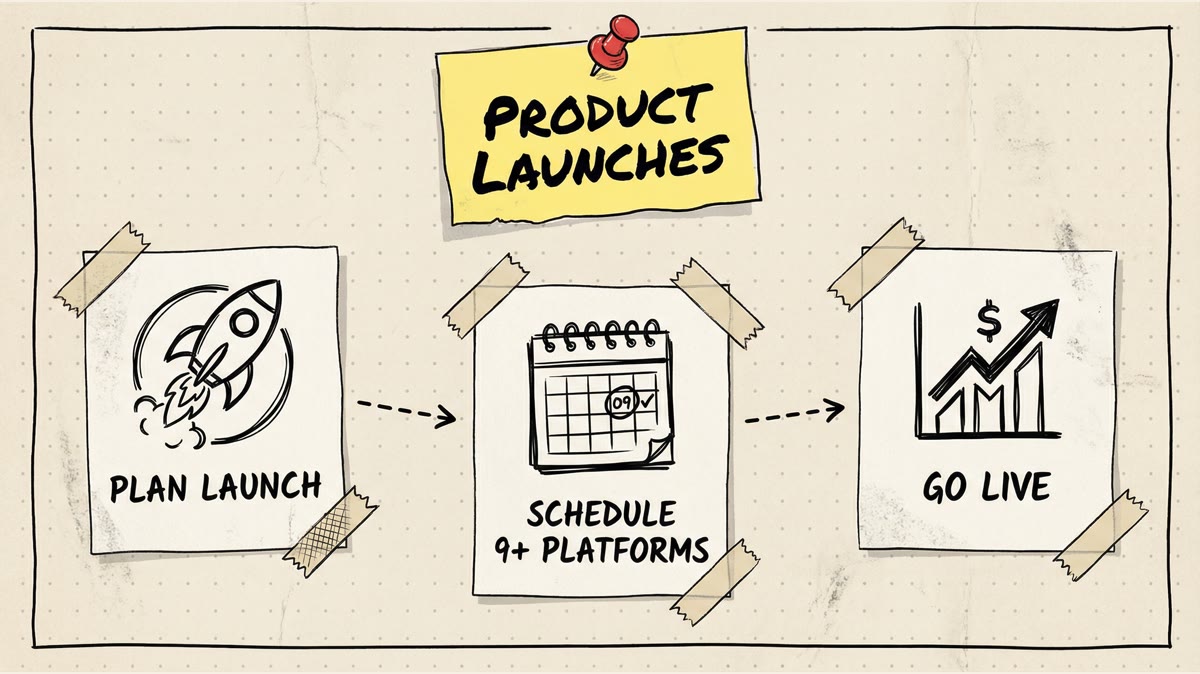
Let's say you're launching a new SaaS feature. You need to announce it on Instagram, LinkedIn, X, TikTok, Pinterest, Threads, Facebook, YouTube, and your blog.
Old Way (Manual Posting)
- Write announcement caption in Notes app
- Open Instagram, paste caption, add hashtags, upload graphic, post
- Open LinkedIn, rewrite caption in professional tone, tag co-founder, upload graphic, post
- Open X, trim caption to 280 characters, upload graphic, post
- Open TikTok, film 30-second video explanation, add trending hashtags, post
- Open Pinterest, write SEO description, upload vertical pin, post
- Open Threads, paste casual version of caption, post
- Open Facebook, paste Instagram caption, upload graphic, post
- Open YouTube, upload Shorts version of TikTok video, post
- Publish blog post separately
Time: 60-90 minutes. Errors: High (forgot to tag co-founder on X, used Instagram hashtags on LinkedIn, TikTok video had wrong CTA).
New Way (Timed Post)
- Upload product launch graphic to Timed Post
- Write base caption once
- Customize for each platform:
- Instagram: Add emojis and hashtags
- LinkedIn: Tag co-founder, expand into story
- X: Trim to 280 characters
- TikTok: Upload video version, front-load hook
- Pinterest: Add SEO keywords
- Threads: Keep it casual
- Facebook: Same as Instagram
- YouTube: Upload Shorts separately (or use multi-platform video scheduler)
- Schedule all for 10 AM launch time
- Review analytics 24 hours later
Time: 15-20 minutes. Errors: Zero (everything previewed before publishing).
Common Mistakes to Avoid
1. Posting the Same Caption Everywhere
We covered this already, but it's worth repeating: platform-specific customization is not optional in 2026. Algorithms reward native content that matches platform norms.
2. Ignoring Post Timing
Posting to all platforms at the exact same time sounds efficient, but engagement windows vary. Instagram peaks at 11 AM-1 PM on weekdays. TikTok peaks at 7 PM-9 PM. LinkedIn peaks at 8 AM-10 AM on Tuesday through Thursday.
Use a scheduler's "optimal time" feature or stagger posts by 30-60 minutes.
3. Forgetting to Customize Images
A 1:1 square image works on Instagram but looks terrible on Pinterest (which prefers 2:3 vertical). A 9:16 TikTok video works on Instagram Reels but gets cropped awkwardly on YouTube Shorts.
Always check image previews for each platform before scheduling.
4. Over-Relying on AI Captions
AI tools (including Timed Post's AI Studio) are great for generating first drafts, but they lack your brand voice and don't understand context. Use AI to speed up writing, but always edit before publishing.
5. Skipping Analytics
If you're not tracking which platforms drive traffic, engagement, and conversions, you're posting blind. Check analytics weekly and double down on what works.
FAQ
Do I need to customize content for every platform?
Not always. If you're posting a simple announcement or meme, the same caption might work everywhere. But for anything requiring context (product launches, blog shares, educational content), customization improves engagement by 2-3x.
Can I schedule posts weeks in advance?
Yes. Most schedulers (including Timed Post) let you schedule posts weeks or months ahead. This is ideal for product launches, seasonal campaigns, or batching content.
Will scheduling tools hurt my reach?
No. Instagram, TikTok, LinkedIn, and other platforms confirm that scheduled posts are treated the same as manual posts. The algorithm cares about engagement, not how you published.
What's the best scheduler for multi-platform posting?
If you're managing many accounts, posting daily, and need AI-assisted scheduling, Timed Post is a cost-effective option: Starter is $19/month for 5 accounts and Growth is $49/month for 15 accounts. If you're Instagram-focused and need advanced visual planning, Later might fit better.
The Bottom Line
Multi-platform posting without copy-paste hell requires three things:
- A scheduler that supports bulk upload (so you're not manually uploading to each platform)
- Platform-specific customization (so captions, hashtags, and images match each platform's norms)
- Unified analytics (so you can track performance across platforms in one dashboard)
Manual posting takes too long. Copy-pasting everywhere kills engagement. Legacy schedulers work but cost 2-5x more than modern alternatives.
Timed Post eliminates copy-paste hell with unlimited posts, AI caption tools, and account-based pricing starting at $19/month.
Try Timed Post free for 7 days →
Tags: multi-platform posting, social media scheduler, cross-posting, content automation, Timed Post