Meta Description: Launch products across 8 platforms simultaneously. Compare schedulers built for coordination, timing precision, and campaign tracking.
Why Product Launches Fail on Social Media
You spent months building the product. Weeks refining the messaging. Days designing launch graphics. Then launch day arrives and everything falls apart.
Instagram post goes live at 10:03 AM instead of 10:00 AM (you were in a meeting). LinkedIn announcement has a typo in the CTA. TikTok teaser video never posted because you forgot to hit publish. X thread is missing the final tweet with the signup link. Pinterest pin has the wrong product image.
By noon, your launch is a mess. Traffic is scattered. Conversions are lower than expected. Your team is scrambling to fix errors while potential customers are seeing inconsistent messaging across platforms.
The problem: Product launches require coordination across platforms, timing precision, and campaign tracking. Manual posting introduces errors. Legacy schedulers lack bulk workflows and campaign organization.
The solution: A scheduler built for high-stakes, time-sensitive campaigns.
What to Look for in a Scheduler for Product Launches
Not all social media schedulers are built for launches. Here's what you need:
1. Bulk Upload and Campaign Organization
Product launches involve 10-30 posts across multiple platforms (teasers, launch day announcements, follow-up posts, retargeting ads). You need bulk upload so you can stage all content in one session, not upload posts one by one over three days.
Must-have: CSV import, drag-and-drop bulk upload, campaign folders to group launch content.
2. Precise Scheduling Down to the Minute
Launch timing matters. If your email blast goes out at 10:00 AM, your social posts need to hit at 10:00 AM sharp, not 10:07 AM or "sometime in the morning."
Must-have: Exact time scheduling (not just "post at optimal time"), timezone support, multi-platform synchronization.
3. Multi-Platform Publishing (All at Once)
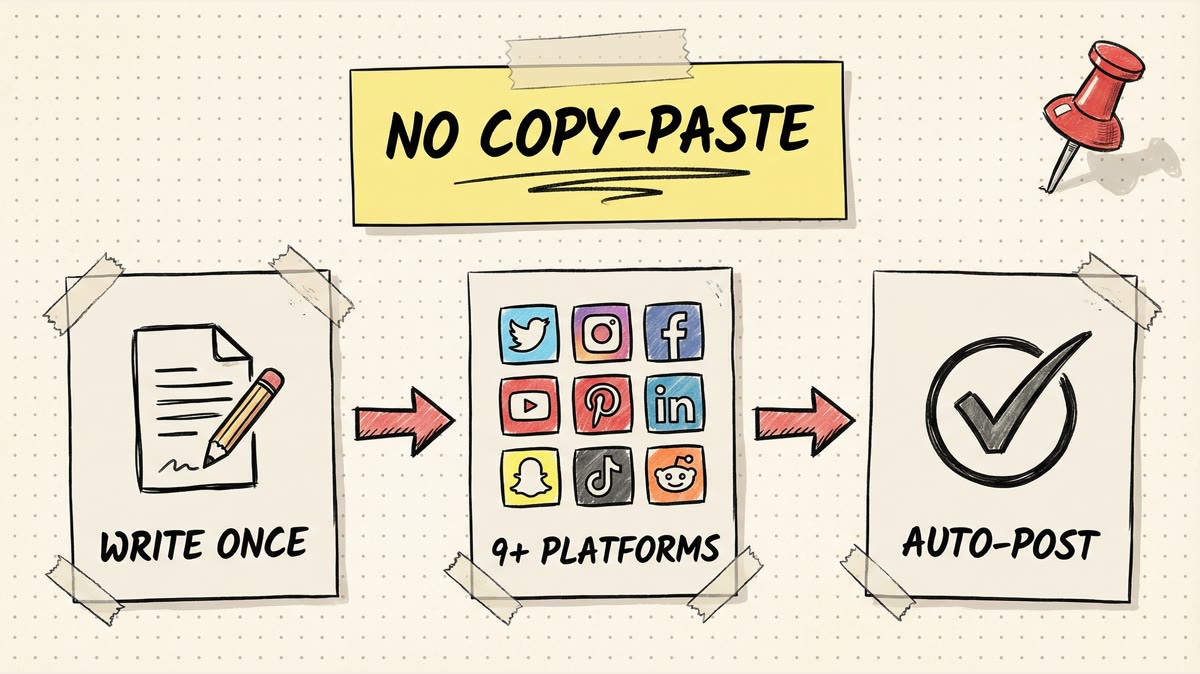
Your audience is spread across Instagram, LinkedIn, X, TikTok, Pinterest, Threads, Facebook, and YouTube. Posting to one platform at 10 AM and manually catching up on the others by noon creates a disjointed launch.
Must-have: Simultaneous publishing across 5+ platforms, platform-specific customization (so Instagram captions are different from LinkedIn captions).
4. Approval Workflows (If You Have a Team)
Launch messaging goes through legal, marketing, and product teams. You need version control, approval queues, and comment threads so stakeholders can review content before it goes live.
Must-have (for teams): Multi-user access, approval workflows, comment threads, revision history.
5. Analytics and Campaign Tracking
You need to know which platforms drove signups, which posts got the most engagement, and whether your launch hit traffic targets. Generic analytics don't cut it. You need campaign-level tracking.
Must-have: Campaign-specific analytics, UTM parameter support, engagement tracking, conversion attribution.
Product Launch Timeline (4 Weeks to Launch Day)
Here's a typical product launch timeline and how a scheduler fits in:
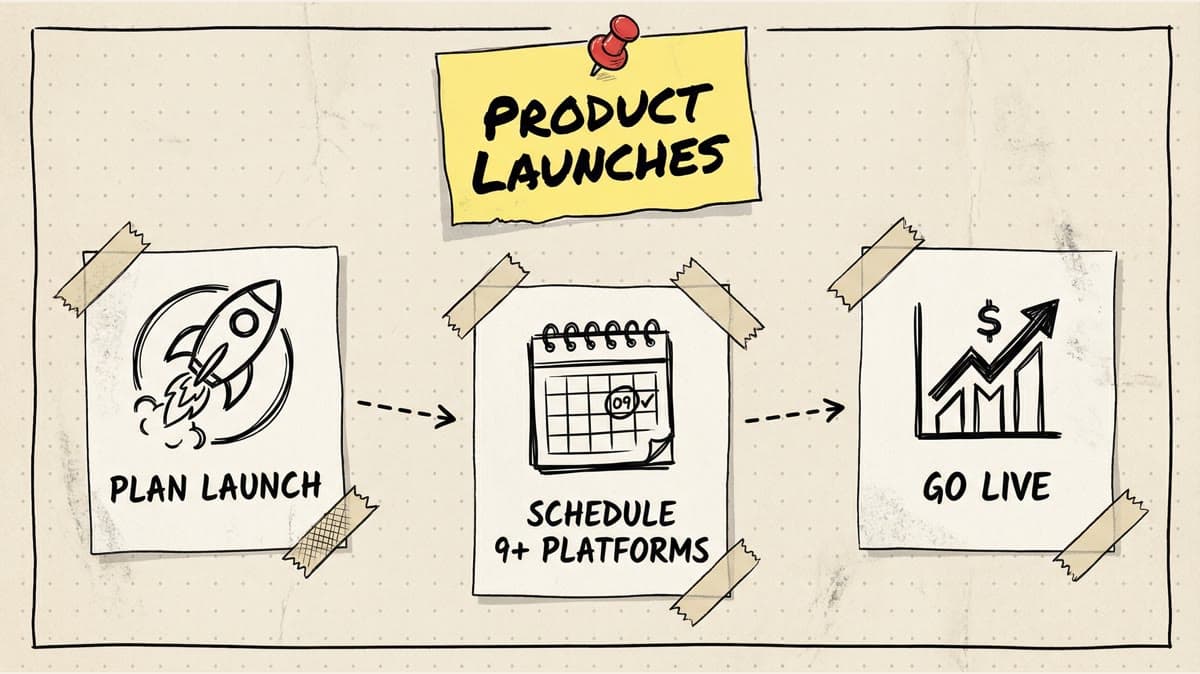
4 Weeks Out: Teaser Campaign
Goal: Build anticipation. Hint at the product without revealing details.
Content: Behind-the-scenes photos, "something big is coming" posts, founder story videos.
Scheduler Use: Batch-create 8-12 teaser posts, schedule 2-3 per week leading up to launch.
Example Post (Instagram): "We've been working on something game-changing for 6 months. Can't say much yet, but it's going to save you 10+ hours a week. 👀 Drop a 🔥 if you want early access."
Example Post (LinkedIn): "Big announcement coming March 15. After 6 months of customer interviews, prototyping, and testing, we're finally ready to share what we've been building. It solves one of the biggest pain points in [industry]. Stay tuned."
2 Weeks Out: Feature Previews
Goal: Educate early adopters. Show specific features and benefits.
Content: Feature demo videos, comparison graphics (before/after), customer testimonials from beta testers.
Scheduler Use: Create feature-specific posts for each platform. Schedule Instagram Reels, LinkedIn carousels, X threads, TikTok videos, Pinterest pins (all with different captions but the same core message).
Example Post (X Thread): "🧵 We're launching our client portal in 2 weeks. Here's what changed:
- Approvals live in one dashboard, not 6 email threads.
- Customers can see project status without asking the team for updates.
- Onboarding is faster because docs, tasks, and feedback stay in one place.
Early access opens next Tuesday: yoursite.com"
1 Week Out: Countdown + Early Access
Goal: Convert interest into signups. Open early access or free-trial signups.
Content: Countdown graphics, early access signup links, limited-time perks (early bird pricing, bonuses, exclusive features).
Scheduler Use: Daily countdown posts (7 days to launch, 6 days to launch, etc.), scheduled at peak engagement times per platform.
Example Post (Instagram Story Series): Day 1: "7 days until launch 🚀 Swipe up for early access." Day 2: "6 days. Early access closes in 48 hours." Day 3: "5 days. Here's what you'll get with early access: [list]"
Launch Day: Coordinated Blitz
Goal: Maximize visibility. Hit all platforms simultaneously.
Content: Official launch announcement, product demo, pricing reveal, testimonials, press mentions, founder video.
Scheduler Use: Schedule all launch posts for 10:00 AM sharp (or your chosen launch time). Queue follow-up posts for 2 PM, 6 PM, and next morning to catch different time zones.
Example Launch Post (LinkedIn): "🎉 [Product] is officially live.
After 6 months of building, testing, and refining based on feedback from 500+ beta users, we're ready to share [Product] with the world.
Here's what it does: [1-sentence value prop]
Built for: [ICP] Pricing: $[X]/month (Early access: 20% off) Link: [URL]
Try it free for 7 days. No credit card required."
Example Launch Post (X): "[Product] is live 🔥
✅ [Feature 1] ✅ [Feature 2] ✅ [Feature 3]
$[X]/month. 14-day free trial.
[Link]"
Post-Launch (Days 1-7): Momentum + Social Proof
Goal: Sustain momentum. Convert fence-sitters with social proof.
Content: Customer testimonials, usage stats (X signups in 24 hours), case studies, "how to get started" tutorials.
Scheduler Use: Queue 3-5 follow-up posts per day for the first week, then taper to 1-2/day. Adjust based on analytics (if TikTok is driving traffic, double down there).
Example Post (Instagram): "500 signups in 24 hours 🚀 Thank you! If you're on the fence, here's what early users are saying: [carousel of testimonials]"
Scheduler Comparison for Product Launches
| Feature | Timed Post Starter/Growth | Buffer Essentials | Later Growth | Hootsuite Pro |
|---|---|---|---|---|
| Price/Month | $19 Starter / $49 Growth | $50 (10 channels) | ~$30-40 (est.) | $99 |
| Accounts | 5 Starter / 15 Growth | 10 | 16 profiles (2 sets) | 10 |
| Post Limit | Unlimited | Unlimited | 180/profile/mo | Unlimited |
| Bulk Upload | ✅ CSV + drag-drop | ❌ No | ✅ Yes (Scale only) | ✅ Yes |
| Campaign Folders | ✅ Yes | ❌ No | ✅ Yes | ✅ Yes |
| Exact Time Scheduling | ✅ Yes | ✅ Yes | ✅ Yes | ✅ Yes |
| Multi-Platform Publish | ✅ 8 platforms | ✅ 11 platforms | ✅ 8 platforms | ✅ 10+ platforms |
| Approval Workflows | ✅ Premium | ✅ Team plan ($10/ch) | ✅ Yes | ✅ Yes |
| Campaign Analytics | ✅ Yes | ✅ Yes | ✅ Yes | ✅ Advanced |
| AI Caption Generator | ✅ Unlimited | ✅ Unlimited | ⚠️ 50 credits/mo | ⚠️ Limited |
| Best For | Solo/small team launches | Simple launches | Visual-first launches | Agency/enterprise |
Why Timed Post Wins for Most Launches
- Price: plans start at $19/month, with Growth at $49/month for 15 accounts (you can reinvest savings into ads)
- Unlimited posts: Launch campaigns need 20-50 posts. Later caps you at 180/profile/month (which sounds like a lot until you're posting daily across 8 platforms for a month-long campaign)
- Bulk upload: CSV import makes it easy to stage 30 posts at once
- AI Studio: Generate caption variations for A/B testing without burning through limited credits
- Premium plan: $49/month early bird for approval workflows (vs Buffer's $300/month for 30 channels)
When to Use Buffer
If you need rock-solid auto-publishing and you're okay paying $50/month for 10 channels, Buffer is reliable. Lacks bulk upload, but UI is clean and analytics are strong.
When to Use Later
If your launch is Instagram-heavy and you need visual grid planning (to see how posts look together), Later's visual planner is best-in-class. But post limits (180/profile/month) and AI credit rationing are friction points.
When to Use Hootsuite
If you're an agency managing 10+ client launches simultaneously, Hootsuite's enterprise features (social listening, advanced approvals, multi-team permissions) justify the $99/month cost. Overkill for solo founders.
Schedule your posts across every platform
Draft once, publish everywhere — automatically.
No credit card · Cancel anytime
Case Study: SaaS Product Launch (Real Example)
Company: [Anonymized SaaS startup] Product: Multi-platform social media scheduler (yes, they used a scheduler to launch a scheduler) Timeline: 4-week teaser campaign, launch day blitz, 2-week follow-up Platforms: Instagram, LinkedIn, X, TikTok, Pinterest, Threads, Facebook, YouTube
The Setup
- Week 1-3: 3 teaser posts/week across all platforms (total: 72 posts)
- Launch Day: 8 posts published simultaneously at 10 AM (1 per platform)
- Post-Launch: 5 follow-up posts/day for 7 days across all platforms (280 posts)
Total posts scheduled: 360 posts across 8 platforms over 4 weeks.
The Tools
- Scheduler: Timed Post Growth ($49/month)
- Bulk upload: CSV import with 360 rows (pre-written captions, scheduled times, platform assignments)
- AI Studio: Generated 50+ caption variations for A/B testing teaser posts
- Campaign folder: All launch posts grouped under "Launch Campaign 2026" for easy analytics
The Results (First 7 Days)
- Total reach: 45,000 impressions
- Engagement rate: 4.2% (above 3.5% industry average)
- Traffic: 2,300 clicks to landing page
- Signups: 520 (22.6% conversion rate)
- Platform breakdown:
- LinkedIn: 35% of traffic (best for B2B SaaS)
- Instagram: 25% of traffic (visual demos performed well)
- X: 20% of traffic (founder's thread went semi-viral)
- TikTok: 15% of traffic (video demos drove younger audience)
- Other: 5%
Key Learnings
- Bulk upload saved 10+ hours: Staging 360 posts in one session (vs uploading daily for 4 weeks) freed up time for customer support and PR.
- Launch day synchronization mattered: All platforms hitting at 10 AM sharp (not staggered over 2 hours) created a "moment" that drove urgency.
- AI captions accelerated testing: Generating 5 caption variations per teaser post let them A/B test hooks and CTAs.
- Post-launch momentum was underrated: Follow-up posts (testimonials, usage stats) drove 40% of total signups.
Common Launch Mistakes to Avoid
1. Over-Planning the Content, Under-Planning the Logistics
You have 50 beautifully designed graphics and perfectly written captions. But on launch day, you realize you forgot to connect your TikTok account to the scheduler. Now you're scrambling to post manually.
Fix: Connect all accounts and test-publish a dummy post to each platform 48 hours before launch.
2. Posting at the Same Time Across All Platforms
Launching at 10 AM sounds clean, but Instagram engagement peaks at 11 AM, LinkedIn peaks at 8 AM, and TikTok peaks at 7 PM. Posting simultaneously might mean half your audience misses the announcement.
Fix: Stagger posts by platform using each platform's optimal time (or post simultaneously if you're running paid ads that drive traffic regardless of organic reach).
3. Ignoring Platform-Specific Best Practices
A LinkedIn post should feel professional and storytelling-driven. An X post should be punchy and thread-based. A TikTok video should hook viewers in the first 3 seconds. Copy-pasting the same caption everywhere tanks engagement.
Fix: Use platform-specific customization. Write one base caption, then adapt it for each platform's tone and format.
4. Forgetting to Track UTM Parameters
You're getting traffic, but you don't know if it's from Instagram, LinkedIn, or X. Without UTM parameters, you can't optimize your follow-up campaign.
Fix: Add UTM parameters to every link (?utm_source=instagram&utm_medium=social&utm_campaign=launch). Most schedulers auto-generate these.
5. No Post-Launch Plan
Launch day hits. You get 200 signups. Then... crickets. You didn't plan follow-up content, so momentum dies after 48 hours.
Fix: Schedule 7-14 days of post-launch content before launch day. Queue testimonials, tutorials, and social proof posts.
FAQ
Can I schedule a product launch for free?
Sort of. TikTok Studio, Meta Business Suite (Facebook/Instagram), and LinkedIn's native scheduler are free but limited. You'd need to manually upload to each platform separately, which defeats the purpose of a launch blitz.
Free schedulers like Buffer's free plan cap you at 10 posts per channel (not enough for a 4-week campaign).
How far in advance should I schedule launch posts?
Stage all content 7-14 days before launch. This gives you time to review, get approvals, and fix errors. Schedule exact times 48 hours before launch (in case you need last-minute timing changes).
Should I post the same content to all platforms on launch day?
Same core message, different execution. Instagram gets a visual story. LinkedIn gets a founder narrative. X gets a punchy thread. TikTok gets a video demo. Platform-specific customization improves engagement by 2-3x.
What's the best time to launch?
Tuesday through Thursday, 10 AM-12 PM (your audience's timezone) is safest. Avoid Mondays (people are catching up on email) and Fridays (people are checked out). If your audience is global, launch at 10 AM EST (covers US morning and EU afternoon).
The Bottom Line
Product launches fail when coordination breaks down. Manual posting introduces errors. Legacy schedulers lack bulk workflows and cost 2-5x more than modern alternatives.
The best scheduler for product launches needs:
- Bulk upload (to stage 30+ posts in one session)
- Exact time scheduling (so all platforms hit simultaneously)
- Multi-platform publishing (Instagram, LinkedIn, X, TikTok, Pinterest, Threads, YouTube, Facebook)
- Campaign analytics (to track which platforms drive signups)
Timed Post Starter ($19/month) offers all four with unlimited posts, AI caption tools, and approval workflows on the Premium plan ($49/month early bird / $79/month normal).
Start a 7-day Timed Post trial →
Tags: product launch, social media scheduler, campaign management, launch strategy, Timed Post