Meta description: Compare the best multi-platform social media schedulers in 2026. Discover how to draft once and publish everywhere without managing 7 different browser tabs.
It's Tuesday morning. You need to post a new product update across your brand's social channels.
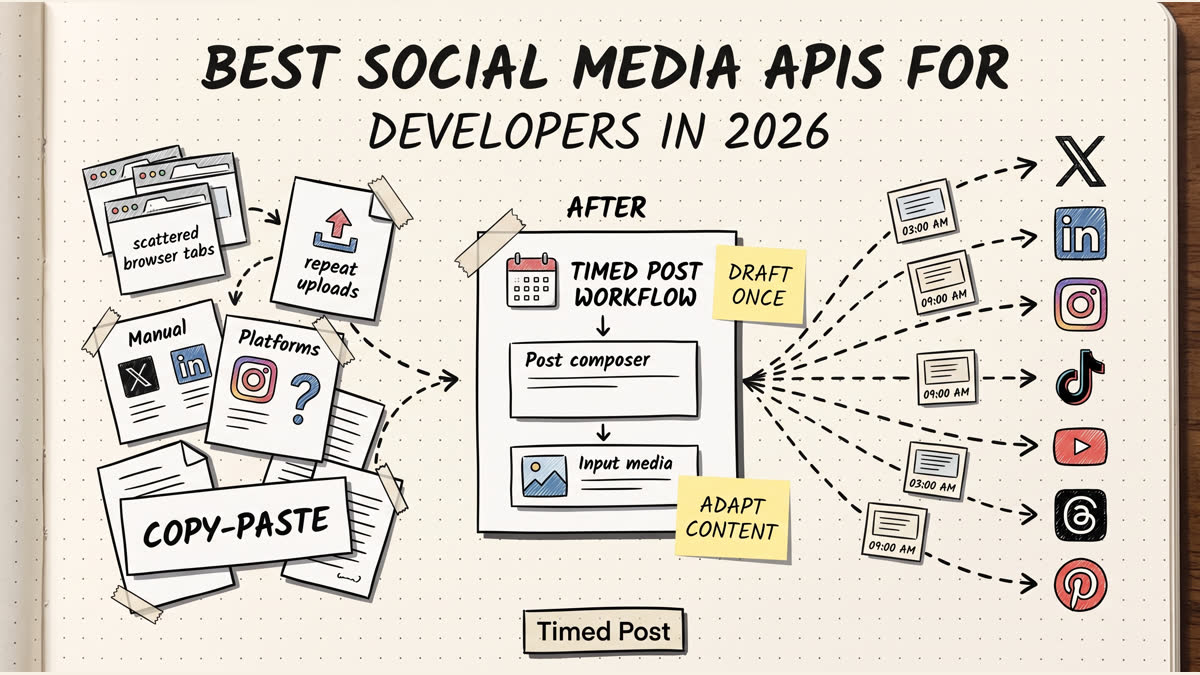
Right now, that means opening 7 different browser tabs. One for X (Twitter). One for LinkedIn. One for Facebook. One for TikTok. You copy the core message, paste it into each tab, manually adjust the formatting so the X thread doesn't look weird on LinkedIn, re-upload the image 7 times, and hit publish.
By the time you're done, 45 minutes have passed, you forgot to add the Pinterest link, and you accidentally posted the LinkedIn professional version to your TikTok audience.
This is the reality for most creators, agency marketers, and founders. We live in a multi-platform world, but we're still using single-platform workflows.
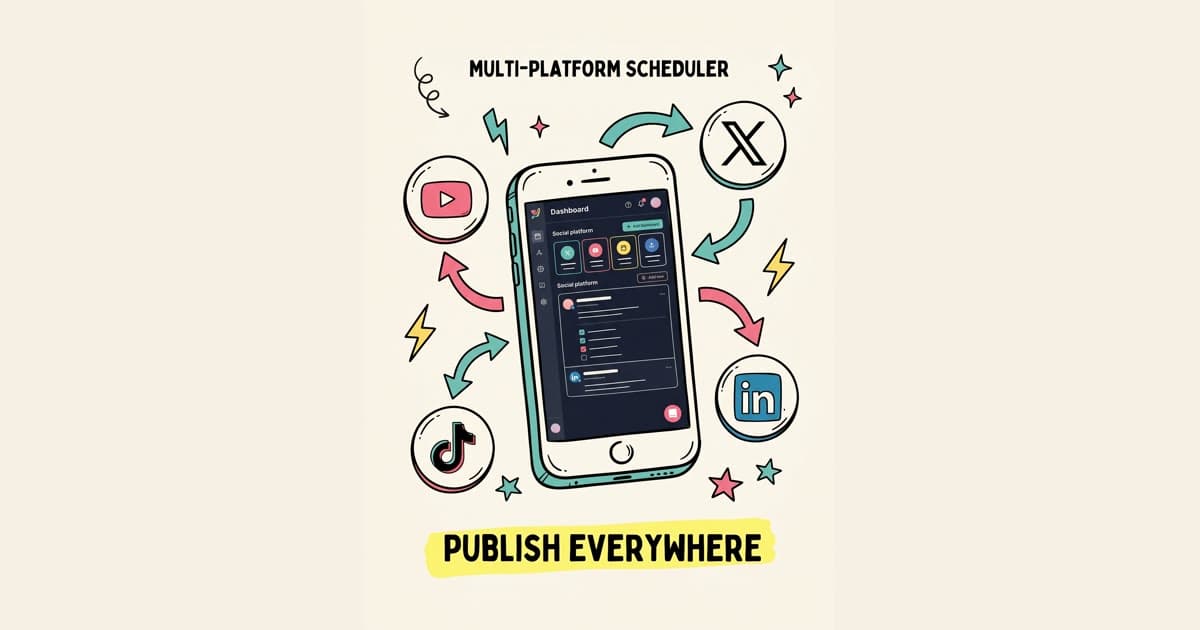
The promise of the best multi platform social media scheduler is simple: Draft once. Publish everywhere. Automatically.
But not all "all-in-one" tools actually deliver on that promise. Most are clunky, force you into expensive enterprise tiers, or charge ridiculous per-seat pricing just so your co-founder can approve a post.
In this guide, we're breaking down the top multi-platform social media management tools in 2026, why the old guard (like Hootsuite) is losing ground to newer, builder-focused platforms, and how to actually adapt your content across platforms without writing from scratch.
The Core Problem with Legacy "All-In-One" Tools
Before we look at the best tools, we need to address why you're probably frustrated with your current setup.
If you've tried scheduling across multiple platforms before, you've likely hit one of these walls:
1. The Pricing Trap: You start on a $15/month plan, but the second you want to add a 4th social profile or invite a team member, you're suddenly looking at a $99/month bill. 2. The Clunky Interface: Tools built in 2014 still feel like 2014. They treat every post as a completely separate entity, meaning you still have to build the Facebook post, save it, build the X post, save it, etc. 3. The Platform Bias: Many tools started as "Instagram-first" (like Later) or "Twitter-first" (like Typefully) and bolted other platforms on as an afterthought.
A true cross platform social media posting tool needs to treat all platforms as first-class citizens, allowing you to draft a core piece of content and then branch it out natively.
Top 6 Multi-Platform Social Media Schedulers Ranked
1. Timed Post
Best for: Builders, creators, and agencies managing multiple brands.
Timed Post was built specifically to solve the "7 tabs" nightmare. Its entire architecture is based on a simple philosophy: Draft once. Publish everywhere. Automatically.
Instead of creating 7 separate posts, you create one core draft. Timed Post then allows you to seamlessly tweak that draft for each platform—adjusting the tone for LinkedIn, turning it into a thread for X, or adding visual assets for Pinterest—all from a single, unified dashboard.
Supported Platforms: Instagram, X, Facebook, Threads, Pinterest, TikTok, YouTube, and LinkedIn.
Pros:
- True Multi-Platform Drafting: The UI is actually built for cross-platform adaptation.
- Separated Workspaces: If you're an agency managing 3 different brands, you can keep them completely isolated. No more accidentally posting Client A's meme to Client B's corporate page.
- Transparent, Flat Pricing: No per-seat extortion.
Pricing:
- Starter: $19/mo (5 accounts)
- Growth: $49/mo (15 accounts)
2. Metricool
Best for: Data-heavy marketers who prioritize analytics.
Metricool has gained massive popularity as a strong all-around social media dashboard for multiple platforms. Where Metricool shines is its analytics reporting—it provides incredibly deep data visualizations for your accounts and even tracks competitors.
Pros:
- Excellent, comprehensive analytics and reporting.
- Supports a wide range of platforms including Google Business Profile.
- Generous free tier for a single brand.
Cons:
- The UI can feel cluttered and overwhelming for simple scheduling tasks.
- The "draft once" workflow isn't as streamlined as newer tools; you often find yourself doing more manual tweaking per platform than you'd like.
Pricing: Free tier available. Premium starts around $18/mo.
3. Buffer
Best for: Beginners looking for a clean, simple interface.
Buffer is the grandfather of the clean UI in social media scheduling. It still holds up in 2026 as one of the most intuitive platforms to use. If you just want to schedule a basic post to 3 platforms and don't need complex workflows, Buffer is reliable.
Pros:
- Incredibly easy to learn and use.
- Clean, minimalist interface.
- Good suggested posting times feature.
Cons:
- Pricing scales poorly: Buffer charges per channel. At $6/channel/month on their Essentials plan, managing 10 accounts costs $60/month. (Compared to Timed Post Growth at $49/month for 15 accounts).
- Lacks advanced workspace separation for agencies.
4. PostSyncer
Best for: Large marketing teams needing complex approval workflows.
PostSyncer is a robust multi platform social media management tool that focuses heavily on the operational side of social media. It handles approvals, team roles, and content libraries very well.
Pros:
- Strong team collaboration and approval features.
- Good content library for storing assets.
Cons:
- Overkill for solo creators or small teams.
- The interface is dense and can slow down the actual act of publishing.
5. Later
Best for: Highly visual brands (e-commerce, fashion) focused primarily on Instagram.
Later started as an Instagram visual planner, and it still shows. If 90% of your strategy revolves around how your Instagram grid looks, Later is a top choice. They have expanded to other platforms, but their DNA is visual-first.
Pros:
- Best-in-class visual grid planner.
- Great Link-in-bio tool integration.
Cons:
- Their handling of text-heavy platforms (like X or LinkedIn) feels like an afterthought.
- Not a true "publish everywhere" tool; it's an "Instagram first, then maybe elsewhere" tool.
6. Hootsuite
Best for: Enterprise corporations with massive budgets.
We have to mention Hootsuite because it's the biggest name in the space. However, for 99% of builders, creators, and standard agencies in 2026, Hootsuite is no longer the right choice.
Pros:
- Integrates with almost everything (Salesforce, Zendesk, etc.).
- Massive feature set for enterprise compliance.
Cons:
- Prohibitively expensive (starts at $99/mo for a single user).
- The dashboard is famously clunky and outdated.
How to Actually "Draft Once, Publish Everywhere" (Without Sounding Like a Robot)
Having the best multi platform social media scheduler is only half the battle. If you take the exact same copy and blast it across X, LinkedIn, and TikTok without changing a word, your engagement will tank.
Each platform has a native "language." Here is the blueprint for adapting one core idea across the major platforms using a unified dashboard:
1. Start with the "Core Idea" (The Brain Dump)
Write down the main point you want to make. Don't worry about platform constraints yet. Example: "We just launched our new API integration and it saves users 5 hours a week."
2. Adapt for X (Twitter)
The Vibe: Punchy, formatting-heavy, thread-oriented. The Tweak: Turn the core idea into a hook. Follow it with bullet points. Example: "You're wasting 5 hours a week manually porting data. We just fixed that. Introducing the new API integration: [Feature 1] [Feature 2]. Here's how it works 🧵"
3. Adapt for LinkedIn
The Vibe: Storytelling, professional lessons, formatting with plenty of white space. The Tweak: Focus on the journey or the business impact of the core idea. Example: "Three months ago, our users told us they were burning 5 hours a week on manual data entry. Today, we're fixing that. Building this API wasn't easy, but here is what we learned about solving real user friction..."
4. Adapt for Facebook/Threads
The Vibe: Community-focused, conversational. The Tweak: Ask a question. Keep it casual. Example: "Anyone else tired of manual data entry? 🙋♂️ We just launched our new API integration to handle it for you. What tool should we integrate with next?"
5. Adapt for Visuals (Pinterest/Instagram/TikTok)
The Vibe: Aesthetic, video-first, trend-aware. The Tweak: The copy matters less here. Your "core idea" becomes text on the screen of a short video, or an infographic explaining the 5 hours saved.
A tool like Timed Post allows you to keep that core idea in the center of your screen, and simply tweak the text blocks for X, LinkedIn, and Facebook simultaneously before hitting schedule.
The Verdict: Stop Paying the "All-In-One" Tax
The social media landscape is too fragmented in 2026 to manage natively, but you shouldn't have to pay enterprise prices just to schedule a post to Facebook and X at the same time.
If you are a solo creator, a startup founder, or an agency managing multiple clients, you need a tool that respects your workflow. You need separated workspaces so you don't cross-post to the wrong brand. You need flat pricing that doesn't punish you for growing. And most importantly, you need an interface designed to let you draft once, and tweak natively for every platform.
If you're ready to close those 7 browser tabs and get your Tuesday mornings back, it's time to upgrade your workflow.
Ready to draft once and publish everywhere? Start a 7-day trial of Timed Post and test the multi-platform scheduling dashboard.
Schedule your posts across every platform
Draft once, publish everywhere — automatically.
No credit card · Cancel anytime
Frequently Asked Questions
What is the best multi platform social media scheduler in 2026?
The best multi-platform scheduler depends on your needs. For builders, creators, and agencies managing multiple brands efficiently, Timed Post is the top choice due to its "draft once, publish everywhere" workflow and flat pricing starting at $19/mo for 5 accounts, with Growth at $49/mo for 15. Metricool is best for heavy analytics, and Buffer is good for absolute beginners.
Can I post the exact same content to all social media platforms?
You can, but you shouldn't. While a multi-platform scheduler allows you to push the same post everywhere, best practices dictate that you adapt the content for each platform's native style. For example, turn your core message into a thread for X, a story-driven post for LinkedIn, and a highly visual post for Pinterest.
Why shouldn't I just use Hootsuite or Later?
Hootsuite is generally considered too expensive and clunky for solo creators, small teams, and freelancers, starting at $99/month. Later is an excellent tool, but it is heavily biased toward Instagram and visual planning; it struggles as a true cross-platform text and video scheduler compared to newer alternatives.
How much should a social media dashboard for multiple platforms cost?
In 2026, you shouldn't be paying per-channel or exorbitant per-seat fees. A good baseline is roughly $19 to $49 per month depending on whether you need 5 or 15 accounts. For example, Timed Post Starter offers 5 accounts for $19/mo, and Growth offers 15 accounts for $49/mo, whereas older tools might charge $60+ for the same volume.
Can I manage multiple different brands in one scheduler without mixing them up?
Yes, but you need a tool that supports true "Workspaces." Tools like Timed Post allow you to completely isolate Brand A from Brand B. This prevents the common (and embarrassing) mistake of accidentally posting a client's content to your personal X account.
Do social media platforms penalize you for using third-party schedulers?
No. Platforms like X, LinkedIn, Facebook, and Pinterest provide official APIs specifically for third-party schedulers. As long as the tool uses the official API (which reputable tools do), your reach and engagement are not penalized by the algorithm for scheduling in advance.