Meta description: Discover the top automation hacks for social media managers. Stop drowning in browser tabs and start automating your content scheduling, reporting, and approvals.
Let's talk about the reality of being a social media manager in 2026.
Your friends think you "play on Instagram all day." The reality? You spend 80% of your time drowning in an endless sea of browser tabs, fighting with clunky approval spreadsheets, downloading assets from Google Drive to re-upload them to native schedulers, and setting phone alarms because a client absolutely needs a post to go live at 7:14 PM exactly.
If you are managing more than three brands, manual posting isn't just inefficient—it's a massive liability. Every time you manually copy-paste a caption from a doc to LinkedIn, then X, then Facebook, you are introducing room for error and burning time you should be spending on actual strategy.
This is where automation hacks for social media managers stop being "nice to haves" and become survival requirements.
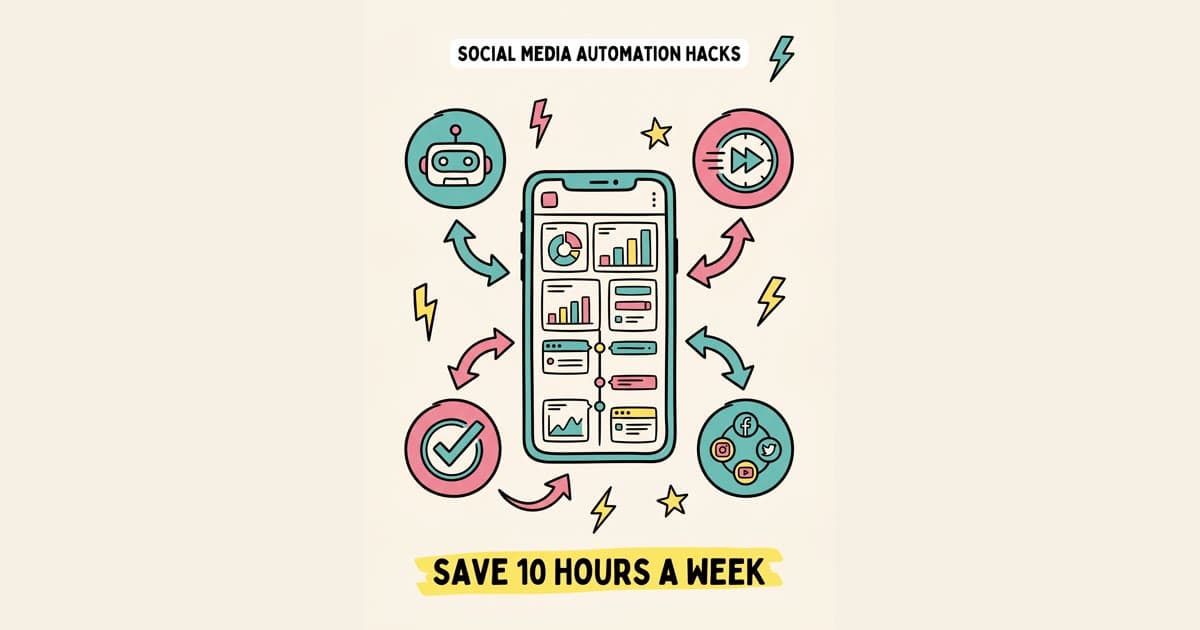
In this guide, we are breaking down the six specific automation workflows that top-tier social media managers and agency owners use to claw back 10+ hours a week.
Hack 1: The "Draft Once" Framework (Multi-Platform Adaptation)
The biggest time-sink in social media management is treating every platform like a completely isolated island.
Historically, if you had a core piece of content—say, a new feature launch—you would write the Twitter version, save it. Then write the LinkedIn version, save it. Then draft the Facebook post, save it.
The Hack: Switch your workflow to the "Draft Once" model.
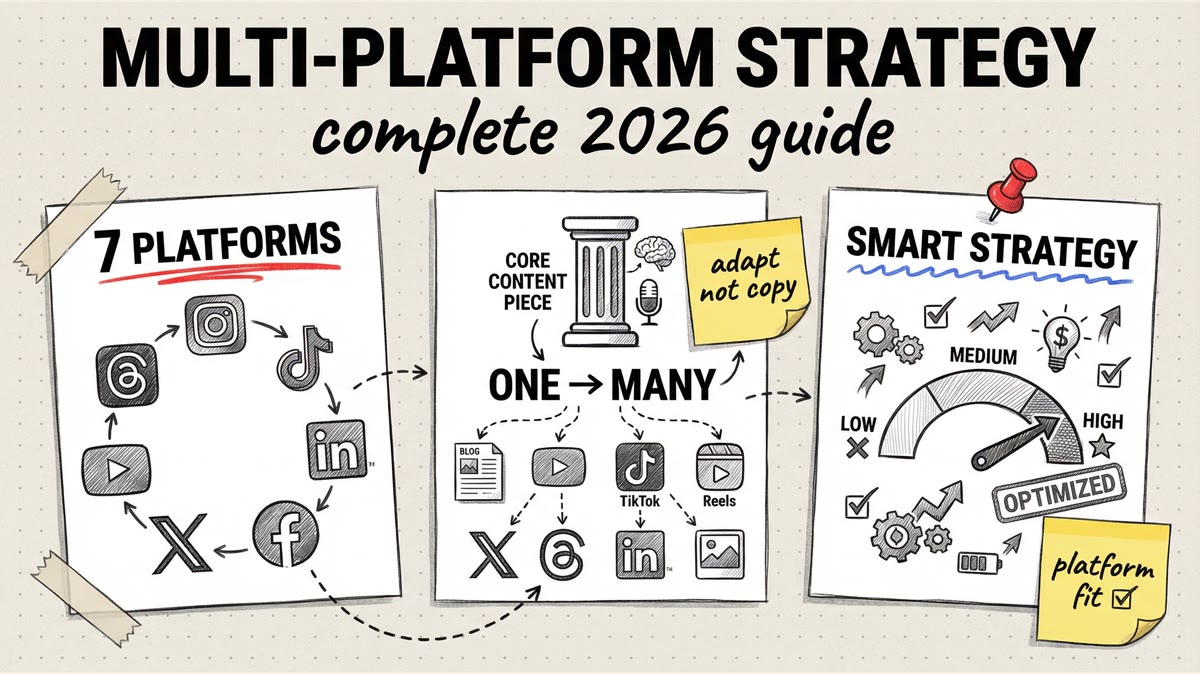
Instead of writing platform by platform, you write the "Core Idea" first. Then, you use a unified dashboard to branch that core idea out to different platforms simultaneously.
- X (Twitter): You tweak the core idea into a punchy, hook-driven thread.
- LinkedIn: You expand the core idea into a storytelling format with plenty of white space.
- TikTok/YouTube: The core idea becomes the script or text-on-screen hook.
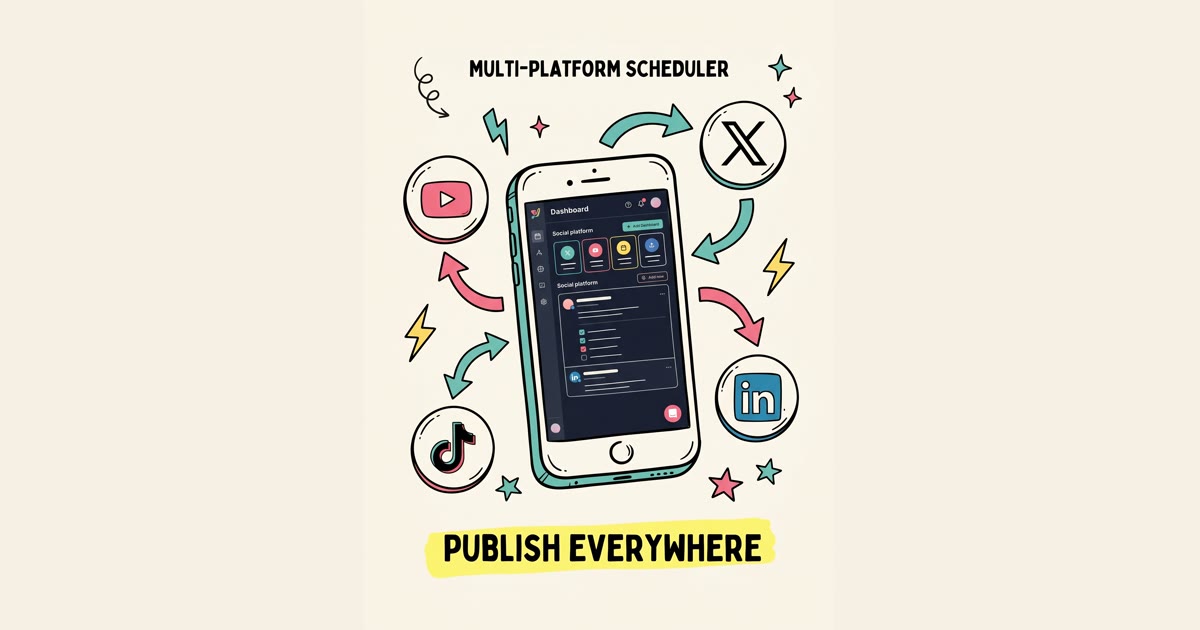
How to automate it: You need a tool that actually supports this workflow. This is exactly what Timed Post was built for. Instead of opening 7 tabs, you open one dashboard. You draft your core post, select all the platforms you want it to go to, and tweak the copy for each platform on the same screen.
When you hit "Schedule," the system automatically pushes the adapted versions to X, Facebook, Threads, Pinterest, TikTok, YouTube, and LinkedIn.
Hack 2: AI-Assisted First Draft Generation
We need to talk about AI. Most social media managers either ignore it entirely (claiming it sounds too robotic) or rely on it too heavily (resulting in bland, generic slop that gets zero engagement).
The secret is using AI strictly for the first draft or the outline phase.
The Hack: Stop staring at a blank blinking cursor.
When you get a brief from a client, feed the core bullet points into an AI caption generator designed specifically for social media.
The Prompt Framework: "Act as an expert social media copywriter. Take these 3 bullet points [insert points] and write a first draft of a LinkedIn post. The tone should be authoritative but conversational. Do not use words like 'delve', 'testament', or 'tapestry'. Use short paragraphs."
How to automate it: Rather than bouncing between ChatGPT and your scheduler, use a tool with AI built directly into the composer. Timed Post allows you to highlight text and click an AI magic wand to instantly shorten, expand, or adapt the tone of a caption right before you schedule it. It turns a 20-minute writing block into a 3-minute editing session.
Hack 3: The First-Comment Automation (X & Instagram)
If you've spent any time marketing on X or Instagram, you know the drill. You want to post a link to a blog or a product, but putting the link directly in the main post kills your reach because the algorithm suppresses external links.
The standard workaround? Post the content without a link, wait for it to go live, quickly jump to the live post, and drop the link in the first comment.
The Hack: Automate the first comment.
If you are managing 10 client accounts, manually chasing live posts to drop a link is a recipe for missed opportunities (or completely forgetting).
How to automate it: A premium social media automation tool will allow you to draft the first comment at the exact same time you draft the main post. When the post goes live, the system immediately fires the first comment behind it. No waiting around. No phone alarms.
(Note: Timed Post supports automated first-comments, saving you from having to babysit your scheduled content).
Hack 4: Bulk Scheduling a Month of Content in 2 Hours
"Batching" is common advice, but "Bulk Scheduling" is the actual automation hack that makes batching work.
If you sit down on a Monday and write 30 posts for a client, uploading them one by one into a native scheduler like Meta Business Suite still takes over an hour of mind-numbing clicking.
The Hack: CSV Bulk Uploads.
Instead of writing in a Google Doc, write your content directly into a formatted CSV spreadsheet. Column A is the date, Column B is the time, Column C is the platform, Column D is the caption, and Column E is the image URL.
How to automate it: Once your spreadsheet is approved by the client, you export it as a CSV and drag-and-drop it into your social media management tool. The tool reads the spreadsheet and instantly populates your calendar with all 30 posts. You can literally schedule an entire month of content in the time it takes to make a cup of coffee.
Schedule your posts across every platform
Draft once, publish everywhere — automatically.
No credit card · Cancel anytime
Hack 5: Approval Workflow Automation (For Agencies)
For agency owners and freelancers, the actual posting isn't the hardest part. The hardest part is getting the client to approve the content without a 14-message Slack thread and three versions of a Google Doc.
The old way: Copy-paste the drafted posts into a spreadsheet. Email it to the client. Wait 3 days. Client leaves a confusing comment on row 14. You update it. Email back.
The Hack: Centralized, automated approvals.
How to automate it: Move your clients out of spreadsheets and into your scheduling tool. Set up a workflow where posts you create are automatically flagged as "Needs Approval." The system automatically sends the client a secure link. They view the posts exactly how they will look on the platform, click "Approve" or leave a direct comment on the post itself. Once approved, the system automatically moves the post to the "Scheduled" queue.
You remove yourself entirely from the ping-pong game of approvals.
Hack 6: Analytics Report Auto-Generation
At the end of every month, social media managers spend hours pulling metrics from native platforms. You go to Instagram, pull the reach numbers. Go to X, pull the impressions. Go to LinkedIn, pull the engagement rate. Then you dump it all into a Canva template to make it look pretty for the client.
The Hack: Scheduled automated reporting.
How to automate it: Connect all your client accounts to a unified dashboard that tracks cross-platform analytics. On the 1st of every month, set an automation rule to compile the previous 30 days of data, format it into a white-labeled PDF with your agency's logo, and automatically email it to the client's inbox with a summary note.
You literally never have to pull a manual metric again.
The Verdict: Stop Paying the "Manual Tax"
If you are a social media manager, your actual value is in your strategy, your community management, and your creative direction.
Your value is not in your ability to quickly switch between browser tabs or remember to post a link in a comment at 4:00 PM. Every hour you spend on manual logistics is an hour you aren't spending growing your clients' accounts.
The automation hacks above aren't just about saving time; they're about preserving your mental bandwidth.
If you're ready to stop drowning in tabs and start automating your workflow, you need a tool built specifically for this level of efficiency. Timed Post allows you to connect X, Facebook, Threads, Pinterest, TikTok, YouTube, and LinkedIn in one dashboard. With separated workspaces for different clients and the Starter plan at $19/mo, it's cheaper than a Zapier subscription and built entirely for social media automation.
Draft once. Publish everywhere. Automatically.
Frequently Asked Questions
What are the best social media automation tools in 2026?
The best tool depends on your specific workflow. For multi-platform drafting and publishing, Timed Post is a top contender due to its "draft once, publish everywhere" architecture and flat pricing starting at $19/mo. Other notable tools include Metricool for deep analytics and PostSyncer for heavy enterprise approval workflows.
How can I save time managing social media for multiple clients?
The fastest way to save time is to eliminate single-platform workflows. Use a unified dashboard to manage all client accounts in one place. Implement the "Draft Once" framework to adapt core content across platforms simultaneously, and utilize CSV bulk scheduling to upload a month's worth of content in minutes.
Does automating social media posting hurt engagement?
No. Using reputable, API-approved third-party schedulers does not inherently hurt your reach or engagement on platforms like X, LinkedIn, or Facebook. However, posting the exact same copy across all platforms without adapting it for the native audience will hurt engagement. Always tweak your automated posts for context.
What is a social media manager workflow?
A social media manager workflow is the systematic process of moving content from ideation to publication. A highly optimized workflow typically includes: 1) Batch ideation and asset creation, 2) AI-assisted drafting, 3) Automated client approvals via a dashboard, 4) Cross-platform adaptation, and 5) Bulk scheduling.
Can I use AI to write my social media posts automatically?
Yes, but you shouldn't let AI post without human review. The best automation hack is to use AI to generate the first draft or outline, which eliminates writer's block. You should then manually edit the copy to inject your specific brand voice and expertise before scheduling it to go live.
How do I automate client reporting for social media?
To automate reporting, connect your social accounts to a management tool that offers white-label analytics. Configure the system to automatically generate a PDF report of key metrics (reach, engagement, follower growth) on a recurring date (e.g., the 1st of every month) and send it directly to the client's email.