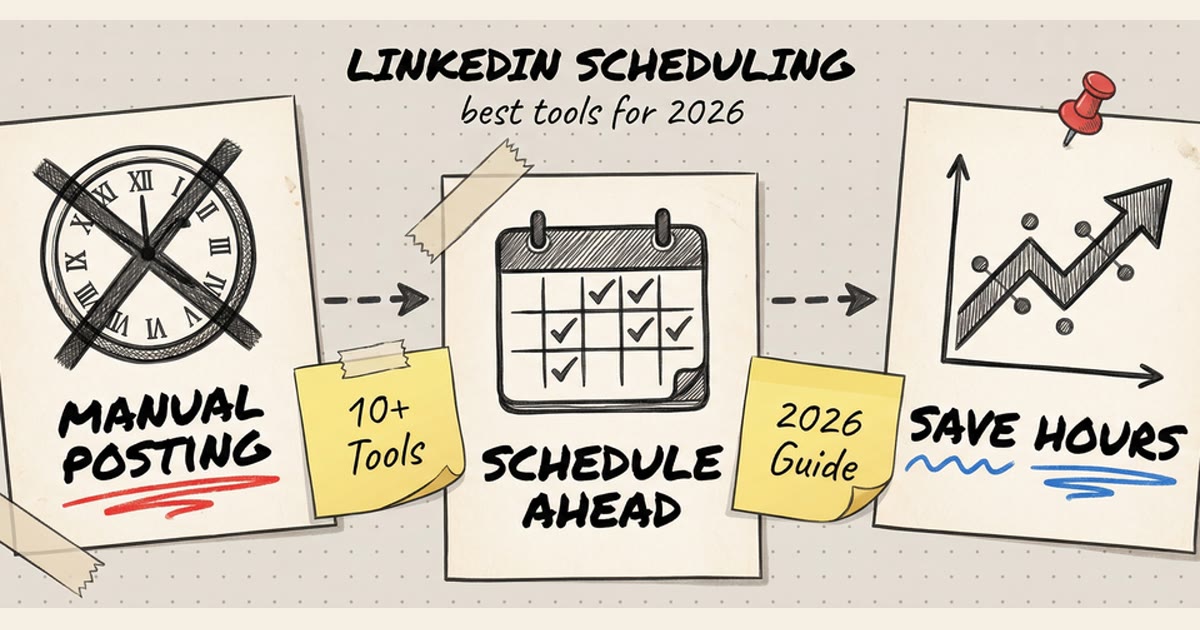
Manually posting to Facebook every day? That's 2019 energy. In 2026, scheduling isn't optional — it's how you stay consistent without losing your mind.
Whether you're running a small business page, managing multiple client accounts, or just trying to maintain a presence without living on Facebook, this guide covers everything: native tools, third-party schedulers, and the tactics that actually move the needle.
Why Schedule Facebook Posts?
Consistency without the chaos. You can't scale a social presence by setting phone reminders. Scheduling lets you:
- Batch content creation — write 10 posts in one sitting instead of scrambling daily
- Hit optimal posting times — 9am on Tuesday performs better than midnight on Saturday, even if midnight is when you remember
- Avoid burnout — social media management is a marathon, not a sprint
- Manage multiple pages — agencies and brands need to juggle accounts without tab-switching hell
- Maintain quality — rushed posts get typos, scheduling gives you time to review
The game changed in 2024 when Facebook (Meta) finally rolled out native Reels scheduling. Before that, Reels were post-or-nothing. Now you can plan video content weeks ahead.
Method 1: Native Scheduling (Meta Business Suite)
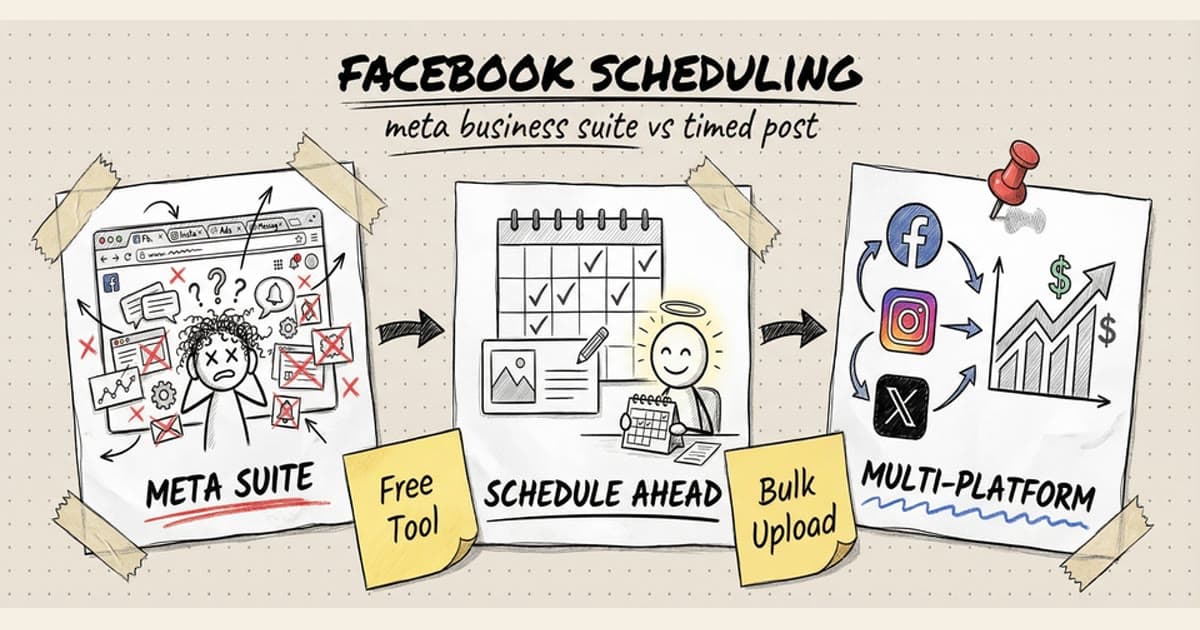
Meta Business Suite is Facebook's official scheduling tool. Free, reliable, but clunky as hell.
How to Schedule a Post in Meta Business Suite
- Go to business.facebook.com
- Click Create post in the top left
- Write your content, add images/video
- Click the dropdown next to Publish → select Schedule
- Pick your date and time
- Hit Schedule
Your post now lives in the Content Publishing tab under Scheduled posts.
How to Schedule Facebook Reels
Reels scheduling rolled out in late 2024. Same flow:
- Open Meta Business Suite
- Click Create → Reel
- Upload your video (9:16 vertical, up to 90 seconds)
- Add captions, cover image, music
- Click Schedule instead of Publish now
- Set your time and confirm
Limitation: You can't schedule Reels to Instagram and Facebook simultaneously in Meta Business Suite. You have to do them separately. Pain in the ass.
What Meta Business Suite Gets Right
- It's free — no subscription, no limits
- Native platform — no API restrictions, no sudden feature breakage
- Reels support — third-party tools are still catching up
- Page role permissions — assign editors, schedulers, analysts
What Meta Business Suite Gets Wrong
- Interface is bloated — built for enterprise, feels like navigating a government website
- No bulk scheduling — want to upload 30 posts at once? Do it one by one.
- Single platform — can't schedule to X, LinkedIn, TikTok from the same place
- Mobile app is bad — technically exists, practically unusable
- No content calendar view — just a list, no visual roadmap
If you're managing ONE Facebook page and posting 2-3 times a week, Meta Business Suite works. If you're doing more than that, you'll hate it fast.
Method 2: Third-Party Scheduling Tools
Third-party tools exist because Meta Business Suite sucks at scale. They add features Meta won't: bulk uploads, cross-platform posting, analytics that don't make you cry.
The Problem with Most Schedulers
Go search "Facebook scheduler" and you'll drown in mediocrity:
- Overpriced — $50/month for features you don't need
- Bloated — CRM integrations, social listening, 47 tabs you'll never open
- Slow — built for agencies, runs like molasses
- Ugly — designed in 2014, hasn't been updated since
The best tools are simple: schedule posts, see a calendar, don't overthink it.
Timed Post: The Cleaner Alternative
Full transparency: we built Timed Post because we were tired of the bloat.
Core philosophy: Draft once. Publish everywhere. Automatically.
What Makes Timed Post Different
Multi-platform by default. Schedule Facebook, Instagram, X, LinkedIn, TikTok, YouTube, Threads, Pinterest from one dashboard. Write a post, check the platforms, hit schedule. Done.
Bulk scheduling that doesn't suck. Upload 50 posts via CSV or plan them in a drag-and-drop calendar. No copy-pasting the same post 10 times.
Clean UI. No enterprise bloat. No CRM nobody asked for. Just a calendar, a post editor, and analytics that show what matters (reach, engagement, growth).
Workspaces for agencies. Managing multiple brands or clients? Each gets its own workspace. No cross-contamination, no accidental posts to the wrong account.
Affordable. $19/month for 5 accounts on Starter. $49/month for 15 accounts on Growth. Premium is $49/month early bird ($79 normal) with unlimited accounts and approval workflows.
How to Schedule Facebook Posts with Timed Post
- Connect your Facebook page at app.timedpost.com
- Click New Post
- Write your content (or let AI draft it)
- Select Facebook (+ any other platforms)
- Pick a time or drag it onto the calendar
- Hit Schedule
Your post queues up. At the scheduled time, it publishes. No login required, no last-minute panic.
The Facebook + Instagram Stack
Most small businesses post to Facebook AND Instagram. Timed Post lets you:
- Cross-post with one click — same content, different platforms
- Customize per platform — tweak the caption for IG vs FB
- Schedule Reels to both — upload once, publish to both feeds
No switching between Meta Business Suite and Instagram Creator Studio. One tool, done.
Other Tools Worth Mentioning
If Timed Post isn't your vibe, here are alternatives:
Buffer — Clean UI, good for beginners. $6/month for 1 channel (gets expensive fast).
Hootsuite — Enterprise-grade, feature-rich, slow as hell. $99/month starting price.
Later — Instagram-first, added Facebook support. Visual planner is solid. $25/month.
Pallyy — Affordable ($15/month), decent UI, limited analytics.
PostSyncer — New competitor, similar to Timed Post but less polished.
Best Practices for Facebook Scheduling
Scheduling is the tool. Strategy is what makes it work.
1. Post When Your Audience Is Active
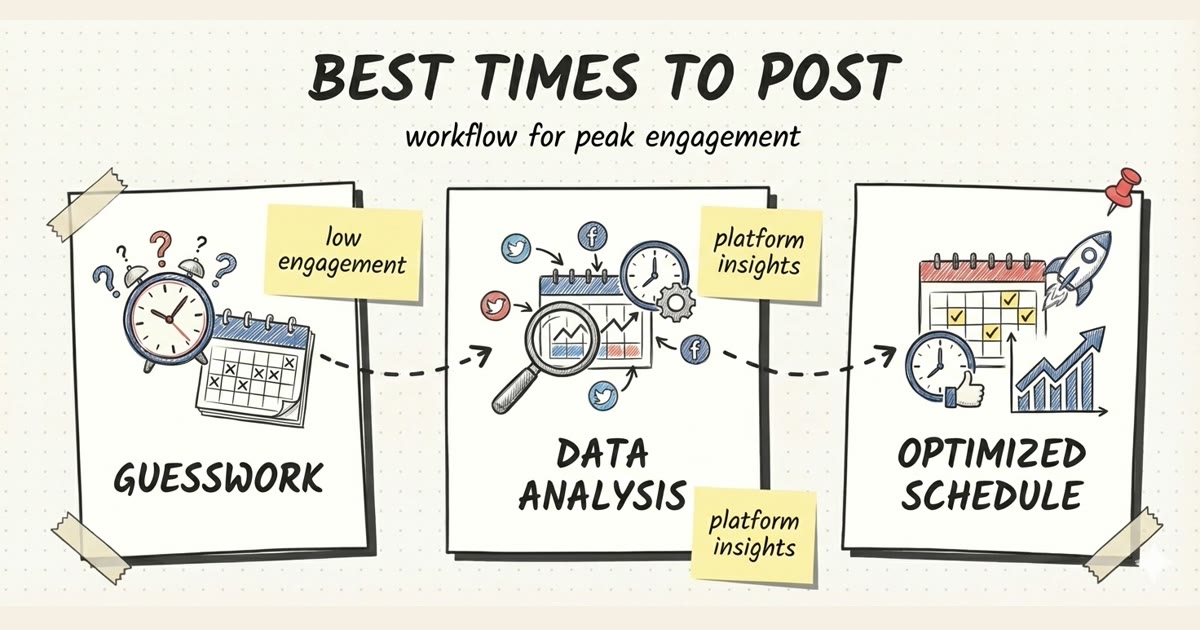
Facebook's algorithm prioritizes recency. Posting at 3am when your audience is asleep = dead engagement.
General best times (US audience):
- Weekdays: 9am - 11am, 1pm - 3pm
- Weekends: 10am - 12pm
Check your own data. Go to Meta Business Suite → Insights → Posts → "When Your Fans Are Online". That's YOUR audience, not averages.
2. Consistency > Frequency
Posting 7 times a day for a week, then ghosting for a month? Algorithm hates that.
Better: 3 posts a week, every week, forever.
Facebook rewards accounts that show up regularly. Pick a cadence you can sustain (even if it's just 2x/week) and stick to it.
3. Mix Content Types
Don't post the same format every time. Facebook's algorithm loves variety:
- Text posts — ask questions, share hot takes
- Images — infographics, behind-the-scenes
- Videos — tutorials, product demos
- Reels — short-form gets pushed harder than static posts
- Links — blog posts, case studies (engagement drops but traffic converts)
Reels get 2-3x more reach than static posts in 2026. If you're not making short-form video, you're leaving views on the table.
4. Write Captions That Hook Fast
First 2 lines show before "See more." If those don't grab attention, nobody expands.
Bad: "We're excited to announce that our new product is now available for purchase. Click the link below to learn more."
Better: "We spent 6 months testing this. Here's what broke." (then deliver the story)
Lead with the hook, THEN explain.
5. Use Hashtags (But Not Too Many)
Facebook isn't Instagram. 3-5 relevant hashtags > 20 random ones.
Good: #SmallBusiness #SocialMediaMarketing #FacebookTips
Overkill: #Marketing #Business #Entrepreneur #Success #Motivation #Growth #Hustle #DigitalMarketing #SocialMedia #ContentCreator #SmallBiz #Startup #Agency #Branding
Hashtags help discoverability in search, but Facebook's algorithm prioritizes engagement over tags. Don't spam.
6. Schedule Evergreen Content in Advance
Evergreen = always relevant. Tips, tutorials, how-tos, case studies. Not news, not trending topics.
You can batch-create 30 evergreen posts in one afternoon and schedule them across 3 months. That's 3 months of consistent presence without daily effort.
Time-sensitive content (sales, events, trending topics) should be posted manually or scheduled close to publish time. Don't schedule a Black Friday post in September.
7. Review Before It Goes Live
Scheduling doesn't mean "set it and forget it." Check your queue:
- Typos? Fix them.
- Wrong image? Swap it.
- Post no longer relevant? Delete it.
Most tools (including Timed Post) let you edit or delete scheduled posts up until publish time.
Schedule your posts across every platform
Draft once, publish everywhere — automatically.
No credit card · Cancel anytime
Common Mistakes (and How to Avoid Them)
Mistake 1: Over-Scheduling Too Early
You just discovered scheduling. You're hyped. You queue up 90 posts for the next 6 months.
Problem: Your messaging changes. Your product evolves. That post from February sounds dumb in June.
Fix: Schedule 2-4 weeks ahead, not 6 months. Evergreen content can go further out, but keep a regular review cycle.
Mistake 2: Ignoring Engagement After Posting
Scheduling doesn't mean you vanish. If someone comments, reply. If someone asks a question, answer.
Facebook's algorithm LOVES when the page owner engages in comments. It signals "this is a real conversation, not spam" and boosts reach.
Set a reminder: Check comments 1 hour after a scheduled post goes live, then again at end of day.
Mistake 3: Treating All Platforms the Same
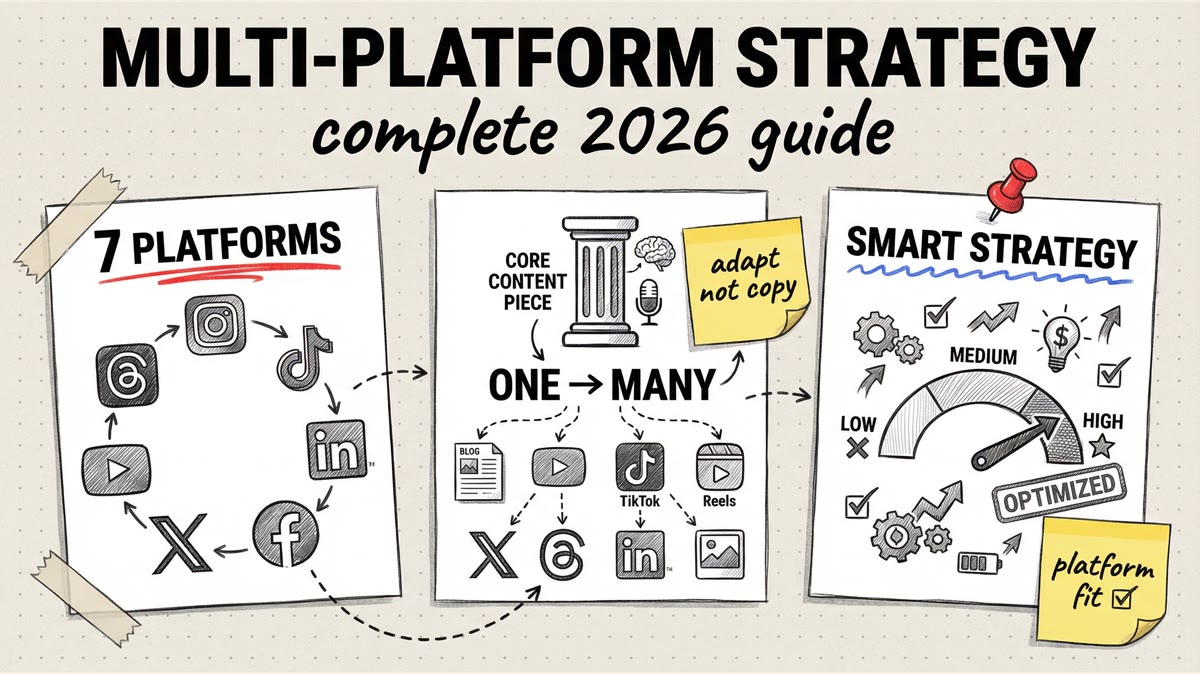
You scheduled a post to Facebook, Instagram, X, and LinkedIn. Same caption, same image.
Problem: Each platform has different vibes.
- Facebook: Conversational, community-driven
- Instagram: Visual-first, aspirational
- X (Twitter): Punchy, fast, opinionated
- LinkedIn: Professional, thought leadership
Copy-pasting the same message everywhere = mediocre performance everywhere.
Fix: Use a scheduler that lets you customize per platform. Write one base message, then tweak tone/hashtags/format for each.
Mistake 4: Scheduling Links Without Context
You drop a blog link with no caption. Just URL + auto-generated preview.
Engagement dies. Facebook's algorithm HATES link posts (they take users off-platform).
Fix: Write a compelling caption that teases the content. Make people WANT to click.
Bad: [link] "Check out our new blog post."
Better: "We analyzed 10,000 Facebook posts to find what actually works. The results surprised us. (Spoiler: posting more ≠ better.) Full breakdown 👇 [link]"
Mistake 5: Not Testing Post Times
You schedule everything for 10am because some blog said "10am is best."
Your audience might be different. Test 9am vs 12pm vs 3pm. Check Insights after 2 weeks. Double down on what works.
Scheduling Facebook Reels: The 2026 Playbook
Reels are Facebook's fastest-growing format. If you're not scheduling them, you're missing the algorithmic boost.
What Works for Reels in 2026
Hook in the first 1 second. Attention span is dead. If your Reel opens with 3 seconds of logo animation, it's dead on arrival.
Vertical 9:16 format. Horizontal videos get cropped and look like trash.
Captions on-screen. 80% of Reels are watched muted. If your video needs sound to make sense, add text overlays.
15-30 seconds is the sweet spot. Facebook allows up to 90 seconds, but engagement drops after 30. Say what you need, then end.
Trending audio helps (but isn't required). Unlike TikTok, Facebook Reels don't NEED trending sounds to perform. Good content with original audio works fine.
How to Batch-Create and Schedule Reels
- Film 5-10 Reels in one session. Set up your phone, change shirts, knock out a week's worth.
- Edit in CapCut or similar. Add captions, trim fat, export 9:16.
- Upload to scheduler. Timed Post, Meta Business Suite, whatever you use.
- Schedule 2-3 Reels per week. More than that and you dilute reach (Facebook spaces out Reels delivery).
Reels don't need to be cinematic. Phone camera, good lighting, clear message = enough.
Analytics: What to Track (and What to Ignore)
You're scheduling posts. Cool. Are they working?
Metrics That Matter
Reach: How many people saw your post. Higher reach = algorithm likes you.
Engagement rate: (Likes + comments + shares) / reach. 2-5% is solid for Facebook in 2026.
Click-through rate (for links): If you're driving traffic, CTR matters. 1-3% is average.
Follower growth: Slow and steady > viral spike that disappears.
Metrics That Don't Matter
Total likes. Vanity metric. 1,000 likes from bots < 50 likes from your ICP.
Impressions. Reach is better (impressions count multiple views from the same person).
Post reach if engagement is dead. High reach + low engagement = algorithm tested your post and decided it sucked.
Most third-party schedulers (including Timed Post) show reach, engagement, and growth in one dashboard. Meta Business Suite buries this data under 5 tabs.
FAQ: Facebook Scheduling (2026)
Can you schedule Facebook Reels?
Yes. Meta Business Suite added native Reel scheduling in late 2024. Third-party tools like Timed Post also support it.
What's the best time to post on Facebook?
Weekdays 9am-11am and 1pm-3pm (US Eastern). But check YOUR audience in Meta Insights — every page is different.
Can you schedule posts to Facebook and Instagram at the same time?
Yes, with third-party tools (Timed Post, Buffer, Hootsuite). Meta Business Suite makes you schedule them separately.
Is Meta Business Suite free?
Yes. Completely free. It's Facebook's official scheduling tool, but the UI is clunky and lacks bulk features.
Can you edit a scheduled Facebook post?
Yes. In Meta Business Suite or your scheduler, go to Scheduled Posts → click the post → edit or delete.
How far in advance can you schedule Facebook posts?
Meta Business Suite: up to 75 days (about 2.5 months). Third-party tools vary (Timed Post allows 6 months ahead).
Do scheduled posts perform worse than manual posts?
No. Facebook doesn't penalize scheduled posts. Performance depends on content quality and timing, not how you published.
Can you schedule Facebook Stories?
Not in Meta Business Suite. Some third-party tools (including Timed Post) support Story scheduling, but it's hit-or-miss depending on API access.
What's the difference between scheduling and boosting?
Scheduling = free organic posting. Boosting = paid promotion. You can schedule a post, then boost it later if it performs well organically.
Can you schedule posts to multiple Facebook pages at once?
Yes, with third-party tools. Meta Business Suite makes you switch between pages manually (annoying for agencies).
Final Take: Schedule Smarter, Not Harder
Scheduling Facebook posts in 2026 isn't optional. It's how you stay consistent without burning out.
If you manage ONE page casually: Meta Business Suite works (ugly, but functional).
If you manage multiple platforms or post frequently: Third-party tools (like Timed Post) save hours every week.
If you're serious about growth: Combine scheduling with strategy — test post times, mix content types, engage with comments, track what works.
The best social media managers don't post more. They post smarter. Scheduling gives you the space to think, plan, and execute without living in Facebook.
Want to schedule Facebook posts (and Instagram, X, TikTok, LinkedIn) from one dashboard? Try Timed Post — built for builders who value their time. $19/month, no bloat, no bullshit.