Solopreneurs face a specific problem: you're the CEO, the content creator, the marketer, and the customer support team. Social media can't be your full-time job, but skipping it means losing visibility, leads, and customer relationships.
Social media schedulers solve this by compressing hours of posting, engagement, and analysis into focused workflows you can run once or twice per week. The right tool turns social media from a daily interruption into a strategic system that works in the background while you focus on delivering value to customers.
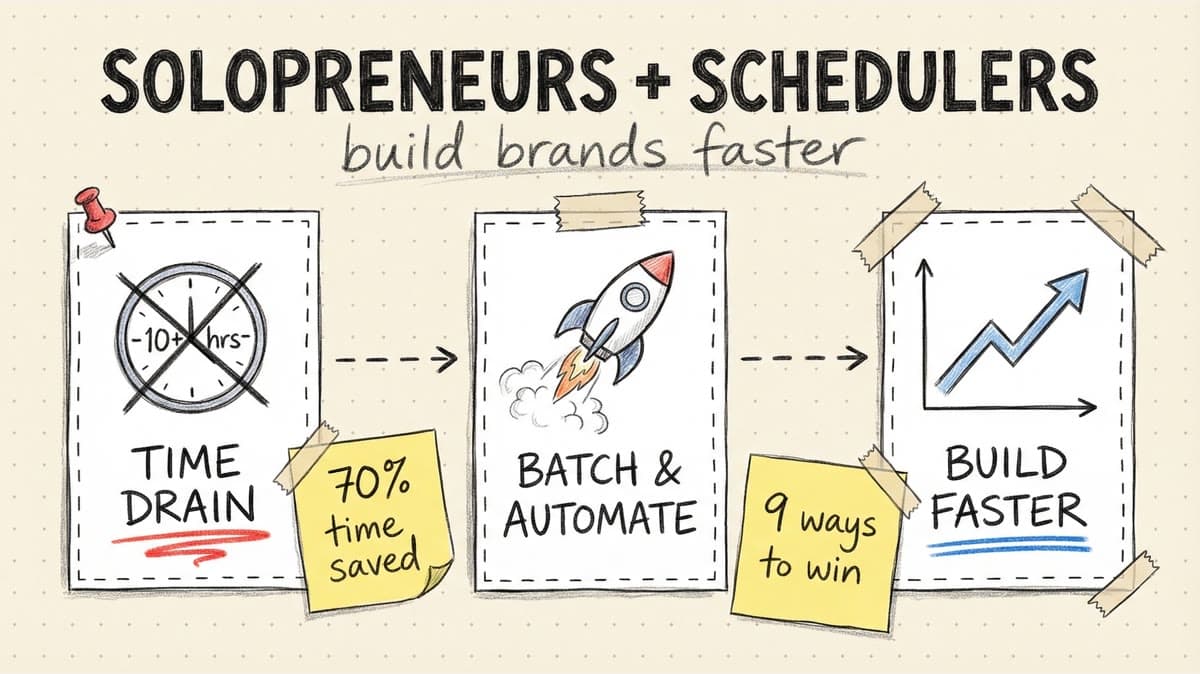
This article breaks down the 9 ways schedulers specifically help solopreneurs build brands faster — with workflows, time savings, and examples from real founders.
1. Batch Content Creation = 70% Time Reduction
The biggest time drain for solopreneurs: context switching. Creating one post, switching to another platform, creating another post, and repeating daily fragments your focus and kills productivity.
Schedulers let you batch-create all content in one session, then schedule it across platforms for the entire week or month.
The batch workflow
Old way (daily posting):
- Day 1: Spend 30 minutes creating + posting 1 Instagram post
- Day 2: Spend 30 minutes creating + posting 1 LinkedIn post
- Day 3: Spend 30 minutes creating + posting 1 TikTok video
- Weekly total: 3.5 hours spread across 7 days
Scheduler way (weekly batching):
- Monday: Spend 90 minutes creating 7 posts for all platforms
- Bulk upload to scheduler
- Schedule across the week
- Weekly total: 90 minutes in one focused session
Time saved: 120 minutes per week (3.5 hours → 1.5 hours).
Why batching works for solopreneurs
- Focus: One creative session beats seven fragmented ones
- Quality: Batch creation lets you refine ideas across posts
- Consistency: Pre-scheduled posts never skip days when client work gets busy
Example: A web design solopreneur batches 10 Instagram posts every Sunday (client project screenshots, design tips, before/afters). Total time: 60 minutes. Posting manually would take 10 days × 10 minutes = 100 minutes.
2. Multi-Platform Publishing Without Repetitive Work
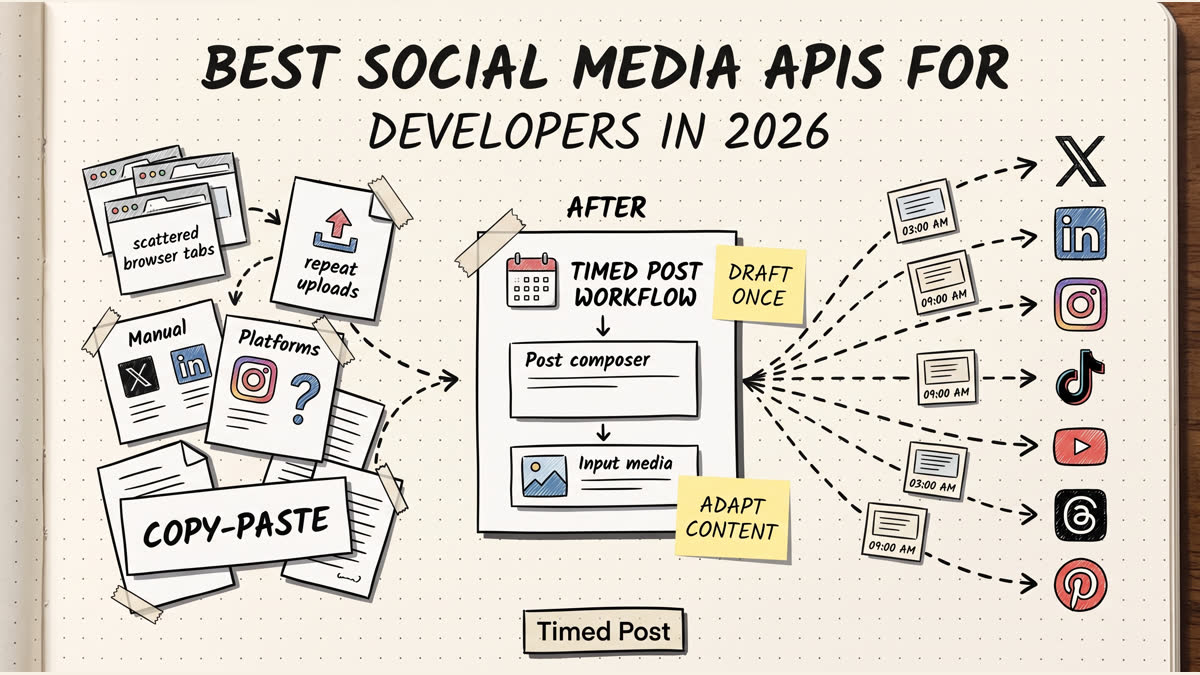
Solopreneurs often post the same content to Instagram, LinkedIn, and TikTok to maximize reach. Doing this manually means uploading the same video three times, writing three captions, and configuring three sets of settings.
Schedulers with multi-platform support let you upload once and publish everywhere.
The multi-platform workflow
- Upload one video to scheduler
- Select platforms: Instagram Reels + TikTok + YouTube Shorts
- Customize captions for each platform (optional)
- Schedule for optimal times on each platform
- The scheduler handles the rest
Time saved: 15 minutes per post × 10 posts/week = 150 minutes/week.
Platform-specific customization
Good schedulers let you tweak each platform while keeping the core content the same:
- Instagram: 5-10 hashtags, location tag
- TikTok: Trending audio, 3 hashtags
- YouTube Shorts: Keyword-rich title, no hashtags
Example: A fitness coach posts workout videos to Reels, TikTok, and Shorts. Instead of uploading 3 times per video, she uploads once in Timed Post, customizes captions, and schedules all three platforms in 5 minutes.
3. AI Caption Writing Cuts Content Creation Time in Half
Writing captions is time-consuming. Coming up with hooks, structuring value, and adding CTAs for every post adds 5-10 minutes per caption.
AI caption generators cut this to 30 seconds.
How AI captions work
- Upload your image or video
- Click "Generate Caption"
- The AI analyzes the content and generates a caption in your brand voice
- Edit if needed (or use as-is)
- Schedule
Time saved: 5 minutes per caption × 20 posts/month = 100 minutes/month.
AI gets better with use
Most schedulers learn your brand voice over time. After 10-20 posts, the AI starts matching your tone, structure, and style automatically.
Example: A software solopreneur uses Timed Post's AI to generate LinkedIn captions for product updates. The AI suggests hooks, formats value in bullet points, and adds CTAs. What used to take 10 minutes now takes 2.
4. Analytics Dashboards Show What's Working (Without Platform Hopping)
Tracking performance manually means logging into Instagram Insights, TikTok Analytics, LinkedIn Analytics, and YouTube Studio every week to pull numbers. Then copying data into a spreadsheet to compare.
Schedulers aggregate analytics from all platforms into one dashboard.
What to track
- Engagement rate: Likes, comments, shares per post
- Best-performing content types: Tutorials vs. behind-the-scenes vs. product showcases
- Optimal posting times: When your audience is most active
- Growth trends: Follower count and reach over time
Time saved: 30 minutes per week (no more platform hopping).
Data-driven content decisions
Analytics help solopreneurs double down on what works and cut what doesn't.
Example: A branding consultant checks Timed Post analytics monthly. She sees that carousel posts get 3x more engagement than single images. She shifts to carousels only. Engagement increases 40% in 30 days.
Timed Post
Schedule your posts across every platform
Draft once, publish everywhere — automatically.
No credit card · Cancel anytime
Schedule your posts across every platform
Draft once, publish everywhere — automatically.
No credit card · Cancel anytime
5. Content Calendars Prevent the "What Should I Post Today?" Problem
Solopreneurs without a content calendar face decision fatigue. Every day starts with "What should I post today?" — which burns mental energy and often leads to skipping posts entirely.
Schedulers with visual calendars let you plan weeks in advance.
The planning workflow
- Open your calendar at the start of the month
- Map out content themes by week:
- Week 1: Product features
- Week 2: Customer success stories
- Week 3: Behind-the-scenes
- Week 4: Educational tips
- Drag posts into calendar slots
- Adjust posting frequency based on bandwidth
Mental energy saved: No more daily content decisions.
Content templates save even more time
Create reusable templates for recurring post types:
- Monday: Motivational quote
- Wednesday: Tutorial or how-to
- Friday: Behind-the-scenes or personal story
Once templates exist, creating posts becomes a fill-in-the-blank exercise.
Example: A copywriter uses a content calendar in Timed Post to plan 30 LinkedIn posts at the start of each month. She batches creation in two 90-minute sessions and never faces "what do I post today?" again.
6. Best Time to Post Features Maximize Reach Without Guesswork
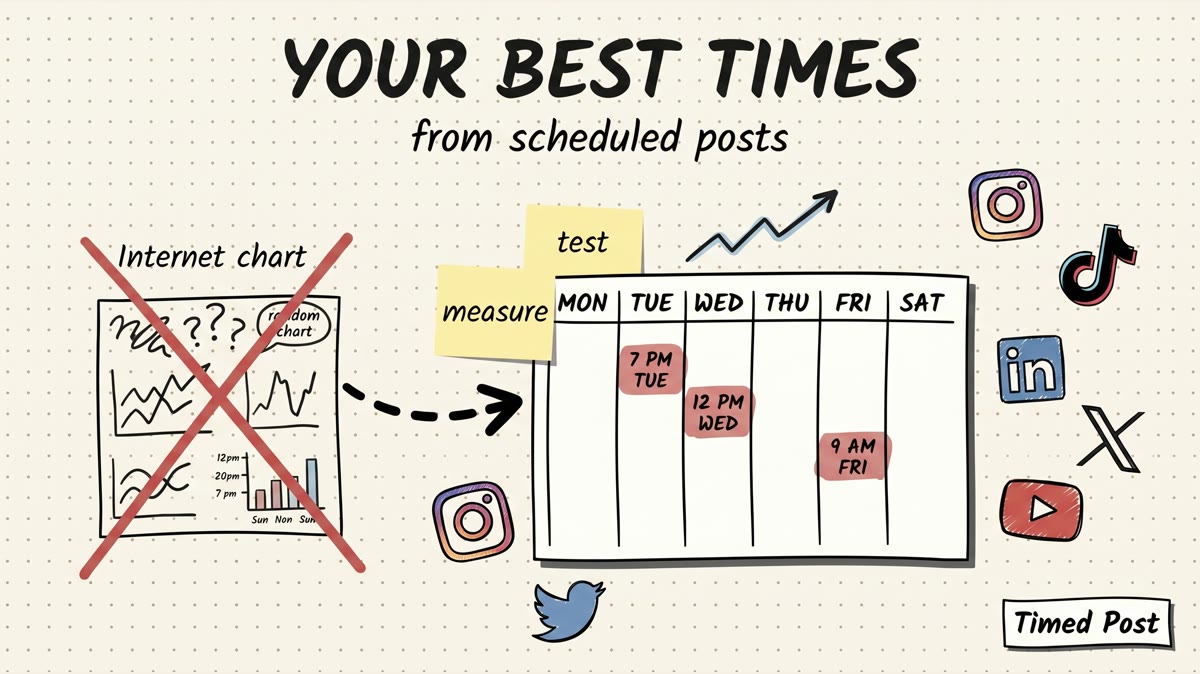
Posting at the wrong time tanks engagement. If your audience is active at 7pm but you post at 10am, fewer people see your content — and the algorithm deprioritizes it.
Schedulers analyze your audience activity and suggest optimal posting times.
How it works
- The scheduler tracks when your followers are online
- It suggests posting times based on historical engagement
- You schedule posts for those peak windows
- Engagement increases because more people see your content immediately
Impact: 20-40% engagement boost just from better timing.
Example: A productivity coach posts LinkedIn content at 9am (when she's free). Her scheduler shows peak engagement happens at 6pm. She reschedules to 6pm. Engagement doubles in two weeks.
7. First Comment Scheduling Adds CTAs Without Extra Steps
Solopreneurs often want to add links or CTAs to Instagram posts, but Instagram doesn't allow clickable links in captions. The workaround: post a first comment with the link immediately after publishing.
Doing this manually means setting a reminder to comment within seconds of the post going live. Miss the window, and your comment gets buried.
Schedulers automate first comments.
The workflow
- Write your Instagram caption
- Add a first comment with your link or CTA
- The scheduler posts the caption and comment simultaneously
- Your CTA appears pinned at the top
Time saved: 2 minutes per post × 10 posts/week = 20 minutes/week (plus no more missed comments).
Example: A course creator uses first comments to link to her free lead magnet on every Instagram post. She schedules 15 posts at once, each with a first comment linking to her opt-in page.
8. Workspaces Separate Personal Brand from Client Work
Many solopreneurs manage their own brand plus 1-3 client accounts. Mixing these in one feed creates confusion: you accidentally post client content to your personal account or vice versa.
Schedulers with workspaces separate accounts into isolated environments.
How workspaces work
- Workspace 1: Your personal brand (Instagram, LinkedIn, TikTok)
- Workspace 2: Client A (Facebook, Instagram)
- Workspace 3: Client B (LinkedIn, X)
Each workspace has its own content calendar, drafts, and analytics. No cross-contamination.
Mistake prevention: You can't accidentally post to the wrong account.
Example: A social media consultant manages her personal brand + two clients. She creates three workspaces in Timed Post. When she's working on client content, she switches to their workspace — no risk of posting to the wrong account.
9. Consistent Posting Builds Authority (Even When You're Busy)
Solopreneurs have unpredictable schedules. Client projects, sales calls, and product launches create weeks where social media gets deprioritized.
Inconsistent posting kills momentum. Followers forget about you, the algorithm stops showing your content, and you lose authority in your niche.
Schedulers ensure consistency even during busy weeks.
The consistency advantage
- Algorithm favor: Platforms reward accounts that post regularly
- Top-of-mind awareness: Followers see you consistently, even when you're heads-down on client work
- Authority building: Consistent presence = perceived expertise
Example: A branding consultant schedules 30 LinkedIn posts at the start of each month. During a busy client launch week, her posts still go live daily — keeping her visible while she's off social media entirely.
Real Solopreneur Workflows
Workflow 1: Weekly Batch + Schedule (90 minutes/week)
Profile: Freelance designer posting to Instagram + LinkedIn
Sunday workflow:
- Batch-create 7 Instagram posts (client work screenshots, design tips) — 45 minutes
- Upload to Timed Post, write captions with AI assist — 20 minutes
- Schedule across the week at optimal times — 5 minutes
- Bulk create 7 LinkedIn text posts from same themes — 20 minutes
Total time: 90 minutes for 14 posts across 2 platforms.
Result: Consistent daily presence with one focused session per week.
Workflow 2: Monthly Content Calendar (3 hours/month)
Profile: SaaS founder posting to LinkedIn + X
First Sunday of month:
- Plan 30-day content calendar (themes, post types) — 30 minutes
- Batch-write 15 LinkedIn posts — 60 minutes
- Batch-write 30 X posts — 45 minutes
- Generate AI images for 10 posts — 15 minutes
- Schedule all posts in Timed Post — 30 minutes
Total time: 3 hours for 45 posts.
Result: Entire month handled in one session. Zero daily social media work.
Workflow 3: Client + Personal Brand (2 hours/week)
Profile: Marketing consultant managing personal brand + 2 clients
Monday workflow:
- Switch to Workspace 1 (personal brand)
- Batch-create 5 LinkedIn posts — 30 minutes
- Schedule for the week — 10 minutes
- Switch to Workspace 2 (Client A)
- Create 5 Instagram posts for client — 30 minutes
- Schedule for the week — 10 minutes
- Switch to Workspace 3 (Client B)
- Create 5 Facebook posts for client — 30 minutes
- Schedule for the week — 10 minutes
Total time: 2 hours for 15 posts across 3 brands.
Result: Personal brand + client work organized without account-switching confusion.
How to Choose a Scheduler as a Solopreneur
Must-have features
- Bulk scheduling: Upload 10-20 posts at once
- Multi-platform support: Instagram, LinkedIn, TikTok minimum
- AI caption generator: Cuts caption writing time in half
- Analytics dashboard: Track performance without platform hopping
- Content calendar: Visual planning prevents decision fatigue
Nice-to-have features
- AI image generation: Create quote graphics without Canva
- Workspaces: If you manage client accounts
- First comment scheduling: For Instagram CTAs
- Best time to post: Algorithm-friendly scheduling
Budget considerations
Free plans: Buffer and Hootsuite offer free tiers (3 channels). Good for testing but limited.
Paid plans: $15-40/month for 5-15 accounts. Timed Post ($19/month) includes bulk scheduling, AI tools, and analytics.
ROI: If a scheduler saves you 2 hours/week, that's 8 hours/month. At $50/hour, that's $400/month in time savings for a $20/month tool.
Common Mistakes Solopreneurs Make
1. Not batching content
Posting daily without batching fragments focus and wastes time. Batch-create once per week instead.
2. Using free plans too long
Free plans cap accounts (usually 3) and lack bulk scheduling. If you post to 4+ platforms, upgrade to a paid plan.
3. Ignoring analytics
Schedulers show what content works. If you're not checking analytics monthly, you're creating content blindly.
4. Over-scheduling
Scheduling 3 posts/day across 5 platforms = 15 posts/day. That's overkill for a solopreneur. Start with 1 post/day per platform.
5. Not using AI tools
AI caption generators save 5 minutes per post. If you're writing captions manually, you're wasting 100+ minutes/month.
Final Thoughts
Solopreneurs can't afford to spend 10+ hours per week on social media. The right scheduler compresses posting, planning, and analysis into focused weekly or monthly sessions — freeing up time to build products, serve customers, and grow revenue.
The 9 ways schedulers help:
- Batch content creation (70% time reduction)
- Multi-platform publishing (no repetitive work)
- AI caption writing (50% faster captions)
- Analytics dashboards (no platform hopping)
- Content calendars (no daily decision fatigue)
- Best time to post (20-40% engagement boost)
- First comment scheduling (automated CTAs)
- Workspaces (separate personal + client brands)
- Consistent posting (even during busy weeks)
Bottom line: A scheduler isn't a luxury for solopreneurs. It's infrastructure. The time you save pays for the tool 10x over.
Try Timed Post free for 7 days and see how much time you get back.